
 Add to Chrome
5 Ways to Get Claude/GPT Quality AI for Under $5/Month
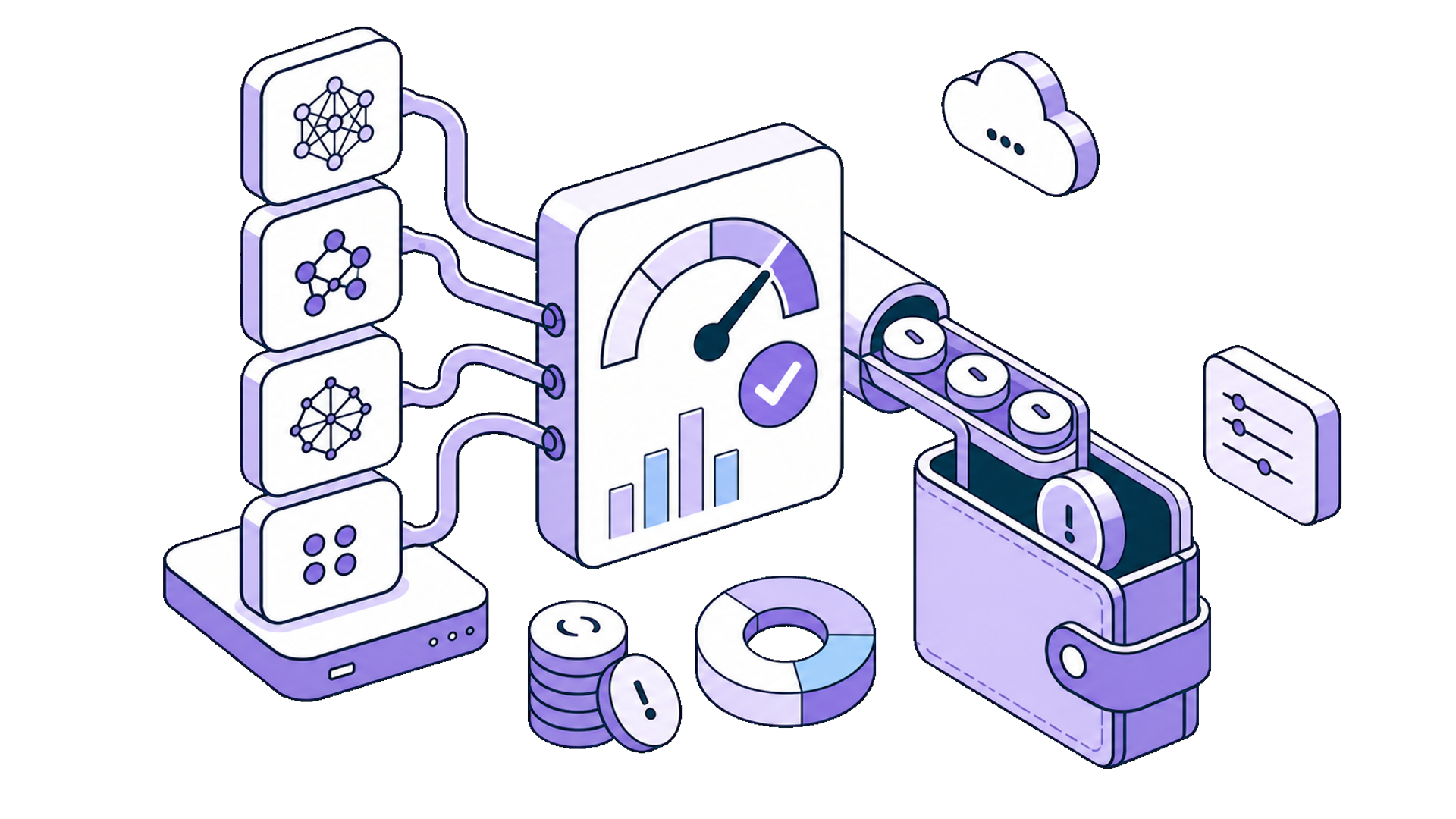
What if I told you that you could access the same AI models powering ChatGPT Plus and Claude Pro, without paying $20/month for each?
The AI subscription economy has a dirty secret: you're probably overpaying. ChatGPT Plus costs $20/month. Claude Pro is another $20. Gemini Advanced? That's $20 more. Stack them up and you're looking at $60+/month just to access different AI models, most of which you'll never fully utilize.
Here's the reality: the average user doesn't come close to hitting the usage limits that justify these subscriptions. You're paying a flat fee for unlimited access, but using a fraction of what you're entitled to.
There's a better way. By using pay-as-you-go API access and choosing models strategically, you can get premium AI quality for under $5/month, sometimes under $2. This isn't about using inferior models. It's about using the same models more intelligently.
The Math Behind the $5/Month Claim
Before diving into tactics, let's validate this with real numbers.
Subscription costs:
- ChatGPT Plus: $20/month
- Claude Pro: $20/month
- Gemini Advanced: $20/month
API costs for moderate usage (approximately 100 conversations/month, ~5,000 tokens each):
| Model | Input Cost (1M tokens) | Output Cost (1M tokens) | Typical Monthly Cost |
|---|---|---|---|
| GPT-5.4 | $2.50 | $15.00 | $5–12 |
| Claude Sonnet 4.6 | $3.00 | $15.00 | $5–12 |
| Gemini 3 Flash | $0.50 | $3.00 | $1–3 |
| DeepSeek V3.2 | $0.28 | $0.42 | $0.20–0.50 |
For context: a typical conversation uses around 5,000 tokens. Even at premium model rates, that's a few cents per exchange. Heavy users rarely exceed $15/month on API pricing.
The savings are real. Now here's how to capture them.
1. Use BYOK (Bring Your Own Key) Instead of Subscriptions
BYOK (Bring Your Own Key) is the single biggest unlock for affordable AI access.
Instead of paying monthly subscriptions to AI wrapper apps, you get an API key directly from the provider (or from an aggregator like OpenRouter) and plug it into tools that support BYOK. You pay only for what you use, with no monthly minimums.
How it works:
- Create an account with OpenRouter, OpenAI, Anthropic, or Google
- Generate an API key (takes two minutes)
- Add $5–10 in credit (pay-as-you-go)
- Paste your key into a BYOK-compatible tool like SurfMind
That's it. You now have access to dozens of premium models at API rates, typically 70–90% cheaper than subscriptions for average users.
Why this works: Subscriptions are priced for power users who hit daily limits. If you're not sending hundreds of messages per day, you're subsidizing someone else's usage. BYOK flips this: light users pay light costs, heavy users pay proportionally more. Everyone pays fairly.
Best for: Anyone who doesn't max out their ChatGPT Plus or Claude Pro limits regularly.
2. Use a Unified API Gateway (One Key, Multiple Providers)
Managing API keys for OpenAI, Anthropic, Google, and others gets tedious. Different billing systems, different dashboards, different payment methods. It adds friction and makes cost tracking harder.
Unified API gateways solve this problem. Services like OpenRouter, LiteLLM, and others aggregate multiple AI providers under a single API key and billing account. Instead of juggling five different accounts, you manage one.
Why this approach works for budget users:
- Single billing: One dashboard, one payment method, one place to track spending
- Easy model switching: Change models with a parameter, not a new account
- Transparent pricing: Compare costs across providers before you commit
- Fallback options: If one provider is slow or down, switch instantly
You can also skip aggregators entirely and go direct to each provider. OpenAI, Anthropic, and Google all offer straightforward API access with pay-as-you-go pricing. The tradeoff: more accounts to manage, but no middleman.
Direct API access:
| Provider | Where to Get Your Key | Models |
|---|---|---|
| OpenAI | platform.openai.com | GPT-5.4, GPT-5.4 Mini |
| Anthropic | console.anthropic.com | Claude Sonnet 4.6, Opus, Haiku |
| aistudio.google.com | Gemini 3 Flash, Gemini Pro | |
| DeepSeek | platform.deepseek.com | DeepSeek V3.2 |
Pro tip: If you're just starting out, pick one provider that covers most of your needs. Add others only when you hit a specific use case that requires a different model.
Best for: Users who want access to multiple AI providers without the hassle of multiple accounts, or those who prefer direct relationships with specific providers.
3. Match the Model to the Task (Stop Using Premium Models for Everything)
Here's where most people waste money: using premium models for tasks that don't require them.
GPT-5.4 and Claude Sonnet 4.6 are exceptional models. They're also 10–50x more expensive than capable alternatives. For many everyday tasks, cheaper models deliver identical results.
Smart model matching:
| Task | Recommended Model | Why |
|---|---|---|
| Quick questions, definitions, simple lookups | Gemini 3 Flash or DeepSeek V3.2 | Fast, cheap, more than capable |
| Summarizing articles or documents | Gemini 3 Flash or Claude Haiku 4.5 | Summarization doesn't need frontier intelligence |
| Brainstorming, ideation | Any mid-tier model | Creative tasks benefit more from iteration than raw power |
| Complex analysis, nuanced writing | Claude Sonnet 4.6 or GPT-5.4 | Worth the premium for genuinely hard tasks |
| Coding assistance | Claude Sonnet 4.6 or GPT-5.4 | Code quality matters; use the best |
| Translation | Gemini 3 Flash or DeepSeek V3.2 | Translation is a solved problem at most levels |
The 80/20 rule applies: For most users, 80% of tasks can be handled by models costing 1/10th of premium options. Reserve the expensive models for the 20% of tasks that genuinely benefit from them.
SurfMind makes this easy: you can switch models per conversation, so you're never locked into paying premium rates for simple tasks.
Best for: Anyone willing to spend 10 seconds choosing the right model for each task.
4. Use Cheaper Models Strategically (Not Exclusively)
The key to staying under $5/month isn't avoiding premium models; it's using them only when they matter.
Budget-friendly models like Gemini 3 Flash and DeepSeek V3.2 deliver excellent results for straightforward tasks. They're fast, capable, and cost a fraction of flagship models. But the goal isn't to replace Claude Sonnet or GPT-5.4, it's to complement them.
The strategic approach:
- Default to mid-tier models for everyday tasks (quick questions, summaries, translations)
- Upgrade to premium models for complex work (deep analysis, nuanced writing, coding)
- Let the task dictate the model, not your subscription status
This is fundamentally different from subscriptions, where you pay the same whether you use GPT-5.4 for a simple definition or a complex research task. With BYOK, you can be economical on simple queries and invest in quality where it counts.
Example workflow:
- Morning email drafts → Gemini 3 Flash ($0.002 per email)
- Afternoon code review → Claude Sonnet 4.6 ($0.08 per session)
- Quick fact checks throughout the day → DeepSeek V3.2 ($0.001 each)
Daily cost: ~$0.15. Monthly cost: ~$4.50. Access to: Every premium model when you need it.
Best for: Users who want premium quality on demand without paying premium prices for every interaction.
5. Use a Browser Extension Instead of Multiple Apps
The final piece of the puzzle: where you access AI matters for your wallet.
Most AI subscriptions lock you into a specific interface: ChatGPT's web app, Claude's interface, Gemini's chat. If you want to use multiple models, you need multiple subscriptions and multiple tabs.
A BYOK-compatible browser extension like SurfMind consolidates everything:
- One interface for all your AI models
- Direct API access with your own keys (or use SurfMind credit with zero-data-retention)
- Context from your browser without copy-pasting
- Model switching per conversation
This isn't just convenient, it's economical. Instead of paying $20/month for ChatGPT Plus, $20/month for Claude Pro, and $20/month for Gemini Advanced ($60 total), you pay $5 in API usage across all models
Total savings: $50+/month while gaining access to more models, not fewer.
The browser extension approach also means you can use AI directly on any webpage (summarizing articles, comparing tabs, analyzing content) without the friction of switching between apps. Less friction means more efficient usage, which translates to lower costs per task completed.
Best for: Anyone currently paying for multiple AI subscriptions or switching between multiple AI interfaces.
Putting It All Together: The $5/Month Stack
Getting started takes minutes. Install SurfMind from the Chrome Web Store or Apple App Store, connect your API key from any provider (OpenAI, Anthropic, Google, DeepSeek, or a unified gateway), and you're set. Even more convenient, you can sign up for SurfMind Credit to skip the API key hassle entirely: start using AI right away, no multiple provider accounts needed.
Choose your models strategically. Use affordable models like Gemini 3 Flash or DeepSeek V3.2 for everyday tasks and seamlessly switch to Claude Sonnet 4.6 or GPT-5.4 when you need premium quality. SurfMind makes it easy to swap models on the fly, all from one interface, right where you browse. Summarize articles on the page, compare information across tabs, and skip the copy-paste workflow entirely. Most users spend under $5/month while accessing 300+ models at API rates.
The Honest Caveats
This approach isn't perfect for everyone. Here's when subscriptions still make sense:
Stick with ChatGPT Plus if:
- You use GPT-5.4 for 50+ conversations daily
- You rely heavily on custom GPTs
- You need the mobile app experience specifically
- Enterprise compliance requires a direct OpenAI relationship
Stick with Claude Pro if:
- You regularly hit the free tier limits
- You need Claude's extended context window for book-length documents
- You're part of a team using Claude's collaboration features
SurfMind approach is best if:
- You're a moderate user (5–50 conversations/day)
- You want access to multiple AI providers
- You're cost-conscious and don't want to overpay
- You value flexibility over platform lock-in
For most individual users and small teams, SurfMind delivers better value. The math simply favors pay-as-you-go at typical usage levels.
Stop Overpaying for AI
The AI subscription model was designed for a world where ChatGPT was the only serious option. That world no longer exists.
Today, you can access Claude, GPT, Gemini, DeepSeek, and hundreds of other models through unified APIs and BYOK tools. You can pay for exactly what you use. You can switch models based on the task. And you can do it all for under $5/month.
The only question: why are you still paying $60/month for less flexibility?
Ready to cut your AI costs by 90%?
SurfMind gives you access to 300+ AI models directly in your browser. Start saving today.
Related posts
View all
BYOK Meaning: What 'Bring Your Own Key' Is and Why It's the Future of AI Tools
BYOK means Bring Your Own Key: you connect your own API key to AI tools instead of paying subscriptions. Learn what BYOK means, how it saves 40–90%, and how to start in 5 minutes.
The Best ChatGPT Alternatives in 2026 (Most Are Free)
Looking for a ChatGPT alternative? Honest comparison of Claude, Gemini, DeepSeek, Perplexity, local models, and more, including free options and how to use them all without extra subscriptions.
Best Free OpenRouter Models in 2026 (and How to Actually Use Them)
OpenRouter hosts free models from NVIDIA, Google, OpenAI, and more. Here's which free models are worth your time, what the rate limits really are, and how to chat with them in your browser.