
 Add to Chrome
The Privacy-First Guide to Using AI Extensions in Your Browser
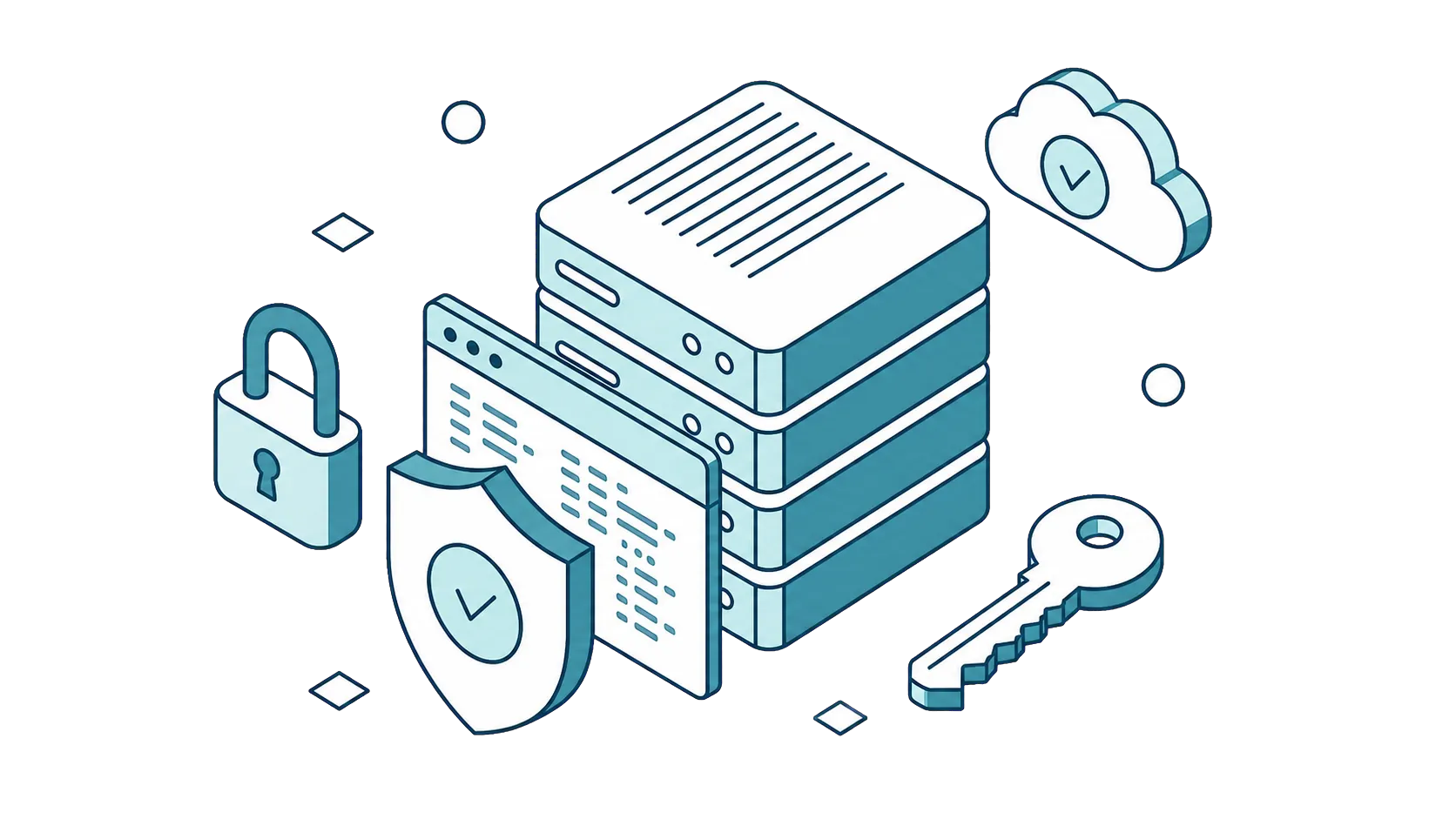
Every time you paste text into an AI assistant, where does that data actually go?
If you use AI browser extensions regularly, you've probably wondered about this. These tools are incredibly powerful: summarizing documents, answering questions about web pages, helping you write emails. But most of them require sending your data through servers you don't control, operated by companies whose data practices you've never reviewed.
Here's the uncomfortable truth: many AI extensions act as intermediaries. Your data passes through their servers before reaching the AI provider, creating an extra layer of exposure you didn't sign up for. For anyone handling sensitive work, client documents, financial data, personal communications, that's a real problem.
But it doesn't have to be this way. Privacy-first AI tools exist that give you the full power of AI without forcing you to hand over control of your data. This guide breaks down what to look for and how SurfMind approaches browser AI privacy differently.
What Actually Happens to Your Data with Most AI Extensions
Let's trace the typical data flow when you use an AI browser extension:
You → Extension's servers → AI provider → Extension's servers → You
Notice the middleman? Most extensions route your requests through their own infrastructure before forwarding them to OpenAI, Anthropic, or Google. This means a third party, not just the AI provider, processes every query you make.
Why does this matter?
The extension company can log, store, or analyze your queries. You're trusting two entities with your data instead of one. Their retention policies may be unclear, buried in dense terms of service, or subject to change. For enterprise users, this creates compliance headaches and potential liability.
The risks aren't theoretical. In 2023, Samsung employees accidentally leaked confidential semiconductor data through ChatGPT, leading to a company-wide ban. Similar incidents have occurred across industries when sensitive information passed through AI tools with unclear data handling.
The question you should ask any AI extension: "Is this tool a passthrough, or does it process my data on its own servers?"
Bring Your Own Key: The Direct Connection Model
BYOK (Bring Your Own Key) flips the typical data flow on its head.
Instead of routing through an intermediary, BYOK lets you connect directly to AI providers using your own API credentials. The extension becomes an interface layer, not a data processor.
Here's how BYOK works with SurfMind:
- You create an API key with your chosen provider (OpenAI, Anthropic, Google, or OpenRouter)
- You paste that key into SurfMind's settings
- Your key is stored locally in your browser, it never touches SurfMind's servers
- When you make a request, it goes directly from your browser to the AI provider
- The response comes back the same way: provider → your browser
SurfMind acts as the interface that makes the AI easy to use. But your data? That travels on a direct line between you and the provider you chose.
The benefits are significant. You maintain a direct relationship with your AI provider. You control which provider's privacy policy applies to your data. There's no additional third party in the chain logging your requests. And you get full transparency on costs through your own API dashboard.
What If You Don't Want to Manage API Keys?
Not everyone wants to deal with API credentials. That's fine.
SurfMind offers a credit-based option for users who prefer simplicity. You purchase SurfMind credits, and requests route through SurfMind's infrastructure for billing purposes.
But here's the critical difference: Zero-Data-Retention (ZDR) policy.
When you use SurfMind credits, your prompts and responses pass through our servers only to manage billing. We don't log the content of your requests. We don't store your conversations. Data is processed and immediately discarded, transient by design.
You choose your comfort level: full BYOK control with direct connections, or convenience with our ZDN policy.
Your Data Stays on Your Device
Beyond the API connection model, where does everything else live?
With SurfMind, the answer is simple: on your device.
Website content processing happens in your browser. When you ask SurfMind to analyze a webpage, the content extraction happens locally. Text is pulled from the DOM within your browser environment. Nothing gets sent anywhere until you explicitly make an AI request, and even then, only the context you've selected goes to the provider.
There's no background scraping. No passive data collection. No silent uploading of your browsing activity.
Conversation history stays local too. Every chat you have with SurfMind is stored in your browser's local storage. Not on our servers. Not in a cloud database we control. On your machine, under your control.
Want to delete a conversation? It's gone instantly, no "30-day deletion queue" or "data may be retained for analytics." You delete it, it's deleted.
This stands in stark contrast to extensions that store your conversation history on their servers, creating a permanent record of every query you've ever made, often without clear disclosure of how long that data persists or who can access it.
You Decide What the AI Can See
Do you really want an extension with persistent access to your banking tabs, your medical portals, your private documents?
SurfMind approach: the AI cannot access any tab by default.
When you want AI assistance with a webpage, you explicitly select which tab to share. You're in control of every piece of context the AI receives. You can also use SurfMind in chat-only mode with zero tab access: just a conversation interface with no visibility into your browsing.
This granular control extends to provider selection too. You choose which AI model processes your data:
- Use Claude for sensitive analysis where you trust Anthropic's privacy practices
- Use GPT for general coding tasks
- Use DeepSeek for cost-efficient simple queries
- Switch providers anytime based on the task and your comfort level
Different providers have different data policies. With SurfMind, you're never locked into sending everything to a single company. The AI works for you, not the other way around.
Verified Security Through App Store Review
Claims are easy. Verification is harder.
One meaningful trust signal for browser extensions and apps is third-party review by major platforms. SurfMind has been rigorously reviewed and approved by both the Chrome Web Store and Apple App Store.
Chrome Web Store review includes manual inspection of extension permissions, code review for malicious patterns or policy violations, and ongoing monitoring for compliance. Extensions that overreach on permissions or engage in deceptive data practices get flagged and removed.
Apple App Store review is notoriously strict, arguably the most rigorous in the industry. Apple requires privacy nutrition labels that disclose exactly what data an app collects and how it's used. Apps making privacy claims face additional scrutiny to verify those claims match actual behavior.
What does this mean for you?
It means independent third parties have examined SurfMind's permissions, and data handling practices. It creates accountability: if we violated our stated policies, we'd face removal from these platforms. And it provides traceability that sideloaded tools or unreviewed extensions simply can't offer.
App store approval isn't a guarantee of perfection. But it adds a meaningful layer of trust that's worth considering when evaluating AI tools that will handle your sensitive data.
Privacy Checklist: What to Look for in Any AI Browser Extension
Before installing any AI extension, run through this checklist:
- Direct API connection option (BYOK) — Can you use your own API keys to connect directly to providers?
- Local key storage — Are API keys stored on your device, not uploaded to the extension's servers?
- Zero-data-retention policy — If data passes through their servers, do they commit to not logging it?
- Local conversation history — Is your chat history stored on your device, not their cloud?
- Granular tab permissions — Can you control exactly which tabs the AI can access?
- Provider choice — Can you select which AI provider processes your data?
- App store verification — Has the extension been reviewed by Chrome Web Store or Apple App Store?
- Clear privacy policy — Is the data handling policy specific, transparent, and easy to find?
SurfMind checks every box on this list. But more importantly, you now have the framework to evaluate any AI tool, including ours, against meaningful privacy criteria.
Privacy and Productivity Aren't Mutually Exclusive
For too long, AI tools have presented a false choice: either sacrifice your privacy for productivity, or sacrifice productivity for privacy.
That tradeoff is unnecessary.
The architecture matters. BYOK connections, local storage, granular permissions, and zero-retention policies aren't exotic features, they're straightforward engineering choices that respect user privacy without compromising functionality.
The future of AI assistants isn't about trusting platforms with ever more data. It's about tools that work for you while keeping you in control. Tools that are transparent about where your data goes. Tools that give you choices instead of making choices for you.
Your data. Your keys. Your control.
Ready to try privacy-first AI in your browser?
SurfMind gives you access to 300+ AI models with BYOK support, local storage, and granular tab controls. Reviewed and approved by Chrome Web Store and Apple App Store.
Related posts
View all
The Best Browser Extensions for Local AI Models in 2026 (Ollama, LM Studio & More)
The best browser extensions for running local AI models in 2026, from polished local+cloud sidebars to open-source Ollama tools. Chat with any page, privately.

How I Increased My Productivity with AI in the Browser
Discover how an AI extension for Chrome helps me summarize texts, compare information between tabs, and work faster without leaving the browser.
The Best AI Browser Is the One You Already Use
Looking for the best AI browser? Dia, Comet, and the now-defunct ChatGPT Atlas want you to switch. Get tab chat, summaries, and an AI agent in your own browser.