
 Add to Chrome
How I Increased My Productivity with AI in the Browser
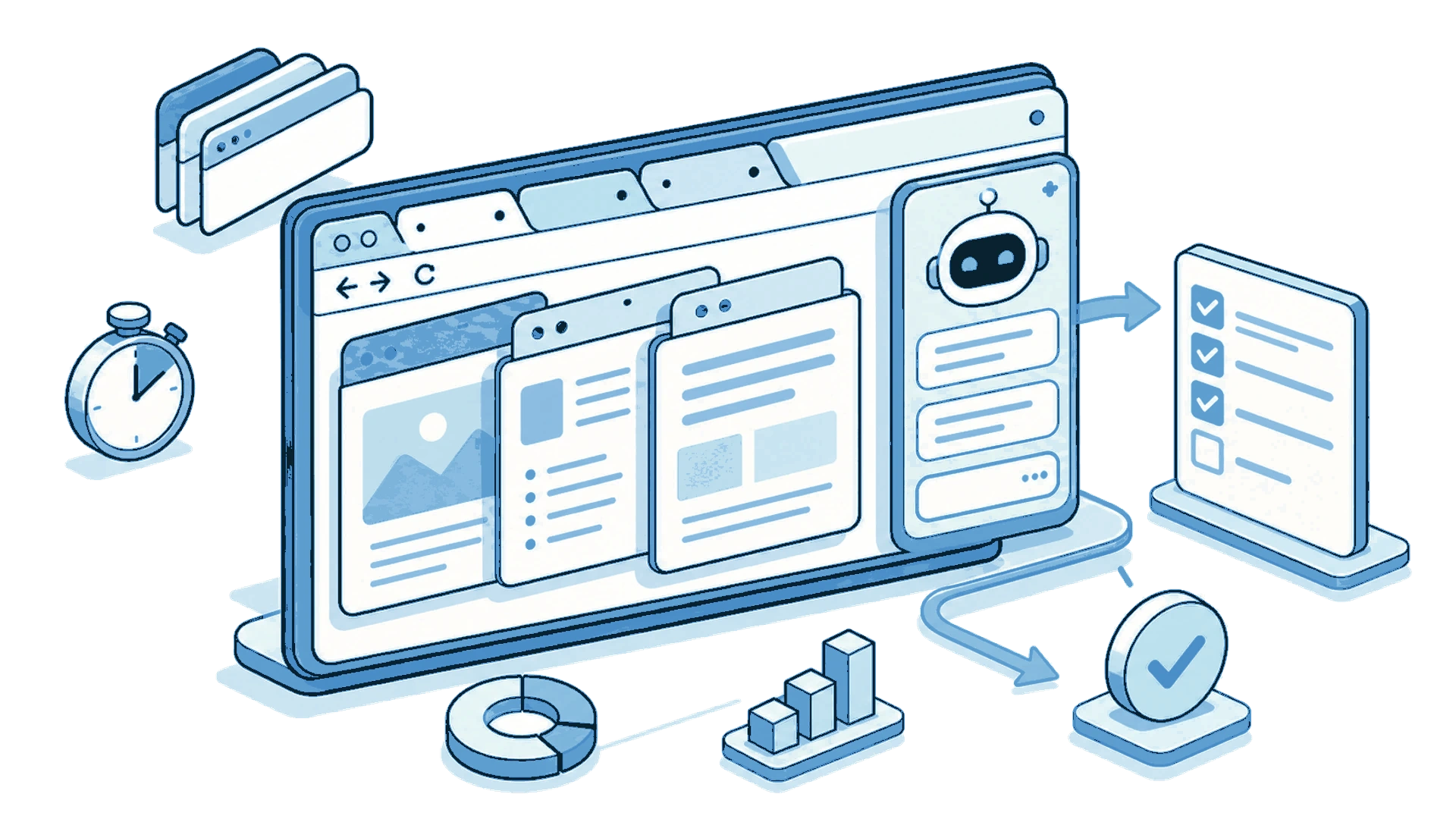
In summary: Using AI directly in the browser allows me to summarize texts, compare tabs, and translate content without copying and pasting. I work faster without changing my usual workflow.
Since I started using AI tools like ChatGPT, Gemini, and Claude, my daily productivity has improved noticeably. I use them to read, analyze, and work with websites. Gradually, AI became part of my everyday tasks: summarizing texts, clarifying concepts, and comparing information from different sources.
My usual workflow consisted of reading articles, standards, or documentation directly in the browser and, when I needed additional support, opening a tab with an AI tool. I copied text fragments, pasted links, and asked questions. It worked well, although over time it became repetitive, especially when working with several documents at once.
I started using SurfMind out of curiosity, without expecting a radical change. But with daily use, I noticed many tasks became faster and more straightforward. My productivity increased without needing to learn new habits.
The problem: context switching kills productivity
Before using an AI extension integrated into the browser, my interaction with artificial intelligence was separated from web browsing. The content was in one tab and the AI in another. Switching between both didn’t seem like a big problem, but each interruption added up.
According to productivity studies, each context switch can cost between 10 and 25 minutes of concentration. In my case, the cycle was constant: copy text, switch tab, paste, wait for response, return to the original document. Multiplied by dozens of times a day, the lost time accumulated.
With SurfMind, this scheme changed. The AI assistant integrates directly into the page I’m consulting. I don’t need to transfer content elsewhere. Fewer steps, fewer interruptions, more time focused on the real work.
Access multiple AI models without wasting time
One of the aspects I value most for my productivity is being able to access different AI models from a single interface. Instead of opening ChatGPT, Claude, or Gemini in separate tabs, I select the model I need directly from the browser.
This saves time when I switch between analysis, synthesis, or comparison tasks. Each model has different strengths:
- Claude for extensive analysis and long texts
- GPT-4 for general tasks and code
- Gemini for integration with Google content
- DeepSeek for quick, low-cost queries
Also, the option to use my own API key gives me full control over costs, which is important when AI is part of the daily workflow.
How to summarize long texts in seconds
One of the uses I adopted immediately was summarizing texts while I read them. This often happens when reviewing standards, lengthy publications, or dense technical manuals.
Before: Copy text → Open ChatGPT → Paste → Wait → Return to the document.
Now: Select fragment → Ask for summary → Read the response in the same context.
The response appears next to the original content, which facilitates understanding and maintains workflow continuity. I estimate I save between 2-3 minutes per summary, and I do dozens a day.
I also use SurfMind to compare different versions of the same document, opening each edition in a different tab. The assistant identifies changes without the need for manual line-by-line comparison.
Comparing information across multiple tabs (my favorite feature)
When researching a topic or evaluating options, I work with multiple tabs open. Before, this involved constantly switching and organizing information manually—notes, screenshots, auxiliary documents.
SurfMind can process information from multiple tabs simultaneously. Instead of jumping between pages, I ask it to summarize or compare the content. I get an overview in seconds.
Scenarios where it saves me the most time:
- Comparing technical specifications of products
- Reviewing information from different sources on the same topic
- Evaluating options before making a decision
- Consolidating research from multiple articles
This feature alone justifies using an AI extension in the browser; it significantly boosts my productivity.
Comparing products: faster decisions
SurfMind naturally integrated into my product comparison process, both for personal and professional decisions. When reviewing several pages with specifications and features, the assistant identifies relevant differences between options.
Practical example: When comparing three laptops from different stores, instead of manually creating a table, I ask SurfMind to extract key specifications from each tab and compare them. In 30 seconds I have a summary that previously took me 15-20 minutes.
This is especially useful when differences aren’t obvious at first glance or when specification lists are extensive.
Translating and understanding content in other languages
To read content in other languages, SurfMind became an essential productivity tool. Beyond translating entire texts, I use it to understand words, phrases, and expressions in context.
This is especially helpful with idiomatic expressions whose meaning isn’t literal. The assistant explains the real meaning within the text’s context, without needing to open Google Translate in another tab.
Everything happens without leaving the page. I maintain my reading pace and better understand the content. For those of us working with technical documentation in English, this represents a significant time saver.
Sharing analysis with the team
The option to share conversations became part of my collaborative workflow. I share chats with colleagues to show:
- How I analyzed certain information
- The process behind a conclusion
- Comparisons and summaries useful for the team
Sharing the process facilitates communication and joint decision-making. It’s especially valuable when working with complex information or needing to document reasoning.
Understanding terms and conditions in minutes
Another regular use: summarizing terms and conditions. When signing up for services or accepting policies, it’s common to encounter long, confusing texts.
With SurfMind, I get a general overview directly on the page. I understand the main points before accepting, without spending 30 minutes reading the fine print. It’s not that it was impossible before, but now it’s practical to do, and that’s why I do it.
My summary: more productivity
After several months using SurfMind, my conclusion is simple: my productivity increased without requiring drastic changes to my way of working.
The tasks I was already doing—summarizing, comparing, translating, researching—now take less time and mental effort. I didn’t have to learn a new system or change my habits. AI simply integrated where I was already working: in the browser.
What I value most:
- ✅ Summarize texts without copying and pasting
- ✅ Compare multiple tabs in seconds
- ✅ Access several AI models in one place
- ✅ Cost control with my own API key
- ✅ All without leaving the page I’m reading
If you’re looking for productivity tools that truly fit your workflow, an AI extension in the browser is a good starting point.
Fer Prieto is one of the first SurfMind users. Want to share how you use AI to be more productive? Send us your story at wave@surfmind.ai
Related posts
View all
Top 5 AI Chrome Extensions for Study in 2026
The 5 best AI Chrome extensions for students in 2026, from multi-model BYOK sidebars to research assistants and lecture transcribers. Study smarter, not harder.
The Privacy-First Guide to Using AI Extensions in Your Browser
How to use AI browser extensions without sacrificing your privacy? Discover BYOK, local storage, and granular controls that protect your data.
The Best AI Browser Is the One You Already Use
Looking for the best AI browser? Dia, Comet, and the now-defunct ChatGPT Atlas want you to switch. Get tab chat, summaries, and an AI agent in your own browser.