
 Add to Chrome
The Best AI Browser Is the One You Already Use
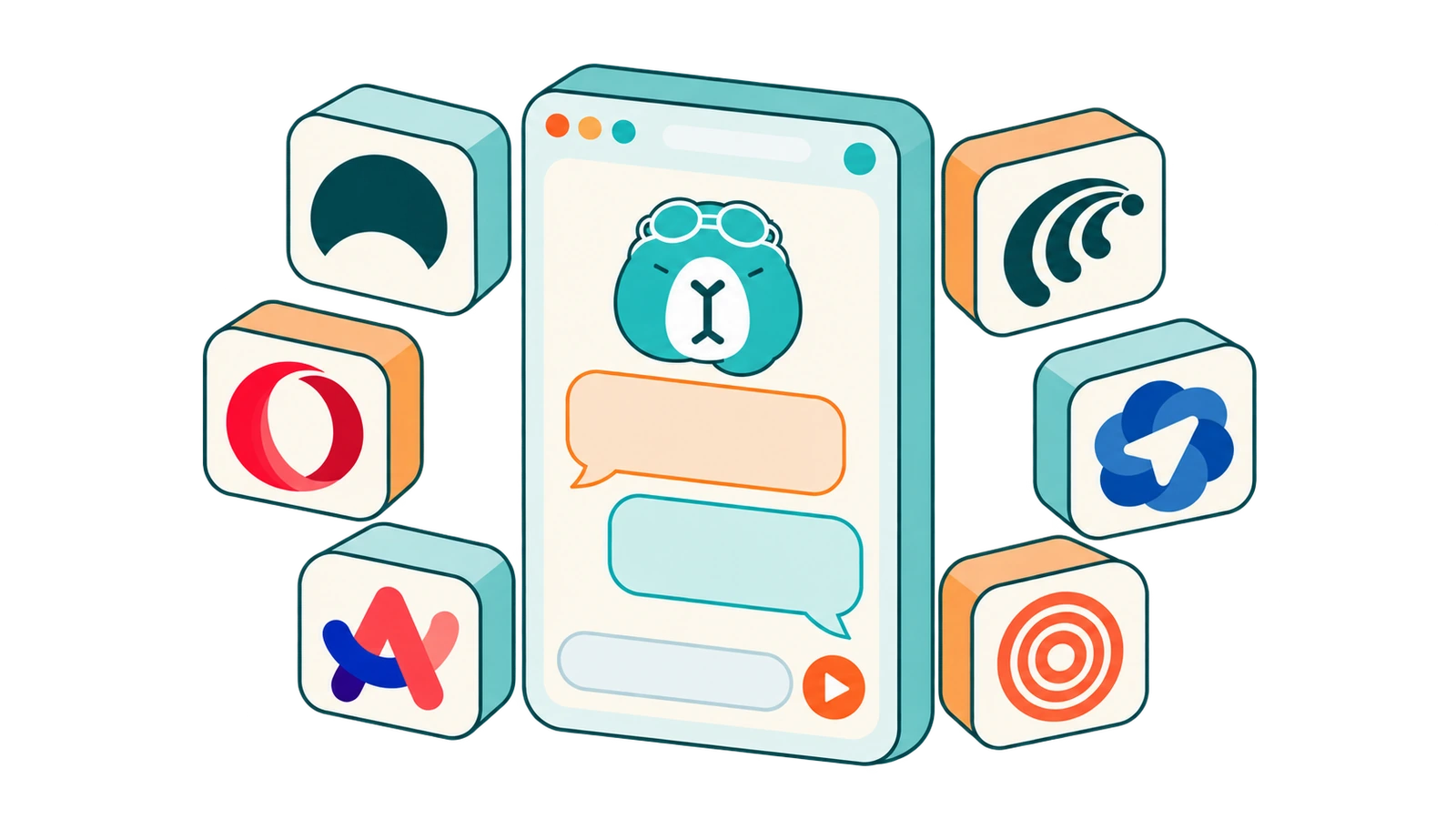
Over the last year almost every company in AI has shipped a browser. The Browser Company built the Dia browser. Perplexity built Comet. Opera built Neon. OpenAI built ChatGPT Atlas.
They all pitch roughly the same idea: an assistant that sees what you see, so you can ask about the page, chat across your tabs, and hand off small tasks.
That idea is good. The catch is the price of admission: a new browser. That means new profiles, new keyboard habits, re-imported passwords, extensions that may or may not carry over, and a bet that the company keeps the browser alive.
That last point isn't hypothetical. OpenAI shut down ChatGPT Atlas on August 9, 2026, about nine months after launch, and told users to export their bookmarks and move on. Arc users went through a version of this too, when The Browser Company stopped building new features for Arc to focus on Dia.
So here's the case this post makes: the best AI browser is the one you already use. SurfMind brings the best AI browser features into the browser you already love, so you don't have to trade it for a new, unfamiliar AI browser.
What AI browsers actually give you
Strip away the launch videos and AI browsers offer about six things:
- Chat with the current page. "Summarize this," "what does this clause mean," "what's the catch in this pricing page."
- Chat across tabs. Dia's signature move: pull several open tabs into one conversation and compare or combine them.
- Summaries of articles, threads, and videos.
- Writing help in place. Draft a reply, rewrite a paragraph, fix the tone of an email.
- An agent that does things. Click, type, fill forms, and navigate on your behalf (Comet, Neon, and the late Atlas leaned hardest into this).
- Personalization. Custom instructions, saved prompts, and "skills" you reuse.
None of these needs a new browser engine. They need an assistant that can read the page and act in it, and a browser extension can do that.
The same features without switching
SurfMind is an AI sidebar that installs into your current browser. Here's how each AI-browser feature maps over:
| AI-browser feature | In Dia / Comet / Neon | In your browser with SurfMind |
|---|---|---|
| Chat with the page | Built in | Open the sidebar on any page and ask |
| Chat across tabs | Built in (Dia's headline feature) | Bring several open tabs into one conversation |
| Summaries | Built in | Articles, threads, PDFs, YouTube videos |
| Writing help | Built in | Draft, rewrite, and reply in place |
| Browser agent | Comet, Neon | Browser agent that clicks, types, and navigates on request |
| Web search with sources | Varies | Web search with references you can check |
| Custom instructions | Varies | Editable system prompt, reusable skills, MCP connectors |
| Choice of AI model | Mostly the vendor's own | Any model: GPT, Claude, Gemini, open models, your own API key, or a local model |
| Pricing | Free tiers plus paid AI plans | Pay-as-you-go, or free with your own key or a local model |
| Your browser | You switch to theirs | You keep yours |
The last three rows are the point. An AI browser bundles three choices into one: the browser, the assistant, and the model. With an extension you make each choice separately, so you can keep a browser you love, use the assistant that fits your workflow, and pick the model that's best for the task at hand.
AI browsers compared: what you'd switch for, and how to keep your browser
Dia: chat with your tabs
The Dia browser comes from The Browser Company (now part of Atlassian), the team behind Arc. Its headline feature is chatting with your tabs: pull a few open pages into one conversation and ask Dia to compare, combine, or summarize them. It's also strong at writing help. Dia started on macOS and is expanding to Windows, with paid tiers for heavier AI use.
Without switching: SurfMind lets you bring several open tabs into one conversation and ask about all of them together, and it drafts and rewrites text in place. You also choose which model answers, instead of using the one Dia picks.
Comet: search and an agent that browses for you
Perplexity's Comet is built around AI search and an agent that clicks through websites for you. The browser is free to download, and the more advanced features are tied to Perplexity's paid plans.
Without switching: SurfMind searches the web with references you can check, and its browser agent can click, type, and navigate on request. And you pick the model: GPT, Claude, Gemini, DeepSeek, open models, or your own key.
Opera Neon: agents on a subscription
Opera Neon is an agent-first browser. You hand it tasks and its built-in agents carry them out, but those agents need a paid monthly subscription.
Without switching: SurfMind's browser agent runs on pay-as-you-go pricing, so a month when you barely use it costs cents, not a subscription fee. With your own API key or a local model it's free.
ChatGPT Atlas: discontinued
OpenAI's Atlas was the highest-profile AI browser launch. It paired ChatGPT with a sidebar on every page and an agent mode. It was also macOS-only, and OpenAI shut it down on August 9, 2026. Users had to export their bookmarks and move to another browser, and OpenAI moved its browser features into ChatGPT itself and its Chrome extension.
Without switching: SurfMind gives you GPT models (alongside Claude, Gemini, and others) in a sidebar on every page, in a browser you already own. If you ever stop using an extension, you uninstall it and your browser stays exactly as it was.
It works in the browser you love
Arc: keep your Spaces, add the AI
Many Dia users are former Arc users who moved for the AI and missed the sidebar, Spaces, and tab management on the way. Arc still runs Chrome extensions, so SurfMind installs from the Chrome Web Store as usual. You keep Arc's layout and get page chat, tab chat, and summaries on top. If the only reason you were eyeing Dia is the AI, this is the low-risk option.
Zen: an AI sidebar that fits a Firefox-based browser
Zen is built on Firefox and has become a favorite of former Arc users. It runs Firefox add-ons, so install SurfMind for Firefox. Zen users tend to care about privacy, and SurfMind can run on a local model like Ollama, so page content never leaves your machine. See our private AI for Firefox guide for that setup.
Whatever browser you've made your own, the point is the same: the AI comes to it, not the other way around.
Where a dedicated AI browser still wins
To be fair to them, an extension isn't better at everything:
- Deep integration. A browser that owns the whole window can do things an extension can't, like rethinking the new-tab page, the address bar, or how tabs are grouped.
- Proactive suggestions. Some AI browsers suggest actions before you ask. An extension waits until you open it.
- One polished vendor experience. If you want one company to make every decision for you and you're happy with their model, that's simpler.
If any of these are must-haves, an AI browser may be the right call. For most people the useful 90% is page chat, tab chat, summaries, writing, and an agent on request, and that part travels just fine as an extension.
Why "without switching" is the safer bet
- Nothing to migrate. Profiles, passwords, extensions, bookmarks, and muscle memory all stay put.
- No browser lock-in. If an assistant disappoints you, uninstall it. Your browser is untouched. Compare that with Atlas users, who had to move everything.
- No model lock-in. Use the strongest model for hard questions and a cheap or free one for routine work. Read more in why BYOK is the future of AI tools.
- Private when you need it. Point the assistant at a local model and sensitive pages never leave your computer. See the privacy-first AI browser guide.
- Fair pricing. Pay-as-you-go means quiet months cost cents, and with your own key or a local model it costs nothing.
Set it up in two minutes
- Install SurfMind for your browser: Chrome Web Store (Chrome, Arc, Brave, Edge, Opera, and other Chromium browsers), Firefox Add-ons (Firefox, Zen), or the App Store (Safari).
- Pin it to your toolbar and open it on any page.
- Pick a model, or connect your own key or a local model.
- Ask about the page, or bring in a few open tabs and ask about all of them together.
Frequently asked questions
What is the best AI browser in 2026? It depends on what you value. Dia is strongest at tab chat and writing, and Comet at search and agents. For most people, though, the best AI browser is the one they already use plus a good AI extension. They get the same core features without migrating or depending on one vendor's model.
Is there a Dia alternative for Chrome? Yes. SurfMind brings Dia's core workflow to Chrome and other Chromium browsers: chat with the page, chat across several tabs, summaries, and writing help. It also lets you choose the AI model.
Is there an Arc browser alternative with AI? You may not need one. Arc still runs Chrome extensions, so you can keep Arc and add an AI sidebar like SurfMind. If you want to move anyway, Zen is a popular Arc-style browser built on Firefox, and SurfMind works there too.
What happened to ChatGPT Atlas? OpenAI discontinued ChatGPT Atlas on August 9, 2026, and moved its browser features into ChatGPT and its Chrome extension. If you were using Atlas, an AI extension in your regular browser covers most of the same ground, including page chat, summaries, and an agent.
Can I use AI in Zen browser? Yes. Zen is built on Firefox, so Firefox add-ons like SurfMind work in it. You can even run SurfMind on a local model so nothing leaves your machine.
Is SurfMind free? You can use it for free with your own API key, OpenRouter's free models, or a local model, and we don't add usage caps. Otherwise it's pay-as-you-go at provider rates, and most light users spend under $3 a month.
Does an AI extension slow my browser down? SurfMind only does work when you open it and ask something. The AI runs on the model provider's servers, or on your own machine for local models, not inside every tab you open.
You don't need a new browser to get an AI browser's features. Keep the one you've set up just the way you like it, and add the AI.
Related posts
View all
The Best Browser Extensions for Local AI Models in 2026 (Ollama, LM Studio & More)
The best browser extensions for running local AI models in 2026, from polished local+cloud sidebars to open-source Ollama tools. Chat with any page, privately.
The Privacy-First Guide to Using AI Extensions in Your Browser
How to use AI browser extensions without sacrificing your privacy? Discover BYOK, local storage, and granular controls that protect your data.
How I Increased My Productivity with AI in the Browser
Discover how an AI extension for Chrome helps me summarize texts, compare information between tabs, and work faster without leaving the browser.