
 Add to Chrome
The Best Browser Extensions for Local AI Models in 2026 (Ollama, LM Studio & More)
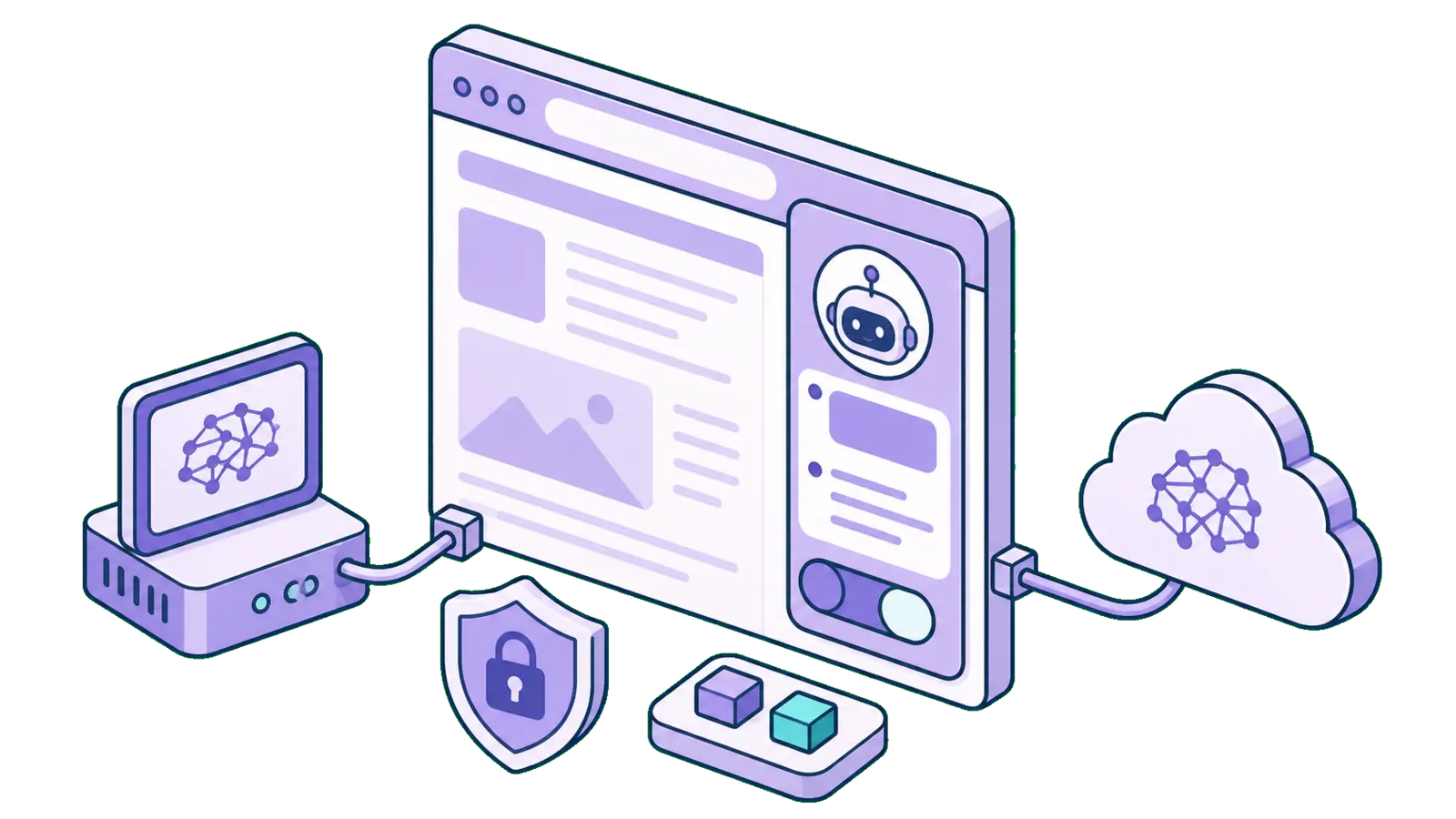
Running an AI model on your own machine used to be the hard part. In 2026 it isn't, Ollama or LM Studio gets you a capable model in a couple of minutes. The interesting question now is what you actually use it in. A terminal chat gets old fast. What most people want is their local model right there in the browser, able to read the page they're on and answer questions about it without anything leaving their machine.
A healthy little ecosystem of browser extensions has grown up to do exactly that, and they're genuinely good. We tested the standouts and narrowed it down to five worth your time, whether you want a polished daily driver or a hackable, open-source playground for local models.
What to Look for in a Local-AI Extension
A local-AI extension lives or dies on three things:
Your data actually stays local. The whole point of running a model on your own hardware is that your prompts and the pages you read never leave it. The best tools honor that by default.
Painless model connection. Wiring a browser up to a local model can mean CORS headaches and config files. The best extensions make it a preset and a click.
Polish you'll reach for daily. Power is nice, but if a tool is clunky you won't open it tomorrow. Clean UI, model switching, history, and exports are what turn a cool experiment into part of your routine.
1. SurfMind — One Polished Sidebar for Local and Cloud Models
Best for: People who want local models and a consumer-grade experience, in one tool
Pricing: Free; local models cost nothing, with optional BYOK or pay-as-you-go for cloud models
Get it: Chrome · Firefox · Apple App Store
Most extensions in this space pick a lane: they do local models well but feel developer-only, or they're polished but cloud-only and won't touch a model on your machine. SurfMind is the one that does both. It treats local and custom models as first-class citizens, then wraps them in the kind of experience you'd expect from a premium consumer app.
That means you can point it at a local Ollama, LM Studio, or llama.cpp model for anything sensitive, where the page content never leaves your machine, and then, on the same page, switch to a big cloud model when a task needs more horsepower. One sidebar, three model sources (local, custom OpenAI-compatible endpoints like vLLM, and cloud/BYOK), no app-juggling.
On the open-source question this crowd rightly cares about: SurfMind is closed source, but it isn't a black box you have to take on faith. It's been through the rigorous security and privacy review processes of the Chrome Web Store, the Apple App Store, and Firefox Add-ons, and approved by all three. Run a local model and there's nothing to phone home in the first place, your page content stays on your hardware.
Why people love it:
- One tool for local, custom, and cloud models, switchable per task without leaving the page
- The page is the context, ask about any article, paper, PDF, or doc without copy-pasting
- Premium quality-of-life: export chats to Notion and Obsidian, shareable chats
- Vetted and approved by Google, Apple, and Mozilla, the polish of a consumer app with a privacy story that holds up
- Local models mean your content never leaves your machine
Best use case: You're reviewing a confidential contract. You run it through a local model so nothing leaves your laptop, then open a public research paper in the next tab and switch to a powerful cloud model for deep analysis, all in the same sidebar, without changing tools.
2. Page Assist — The Feature-Rich Open-Source Powerhouse
Best for: Tinkerers who live in local models and want every knob
Pricing: Free, open source
Page Assist is the heavyweight of the open-source local-AI world, and it earns the reputation. It gives you a persistent sidebar, a full-page chat UI, vision-model support, chat with PDFs and documents, internet search, tab mentions, and increasingly an MCP client and memory. It runs on both Chrome and Firefox, and because it's open source, the skeptical can read every line.
If your goal is to push local models hard and toggle every advanced setting, Page Assist has the most surface area of anything on this list. It's a fantastic playground for the local-LLM enthusiast.
Why people love it:
- The broadest local feature set here, vision, RAG, web search, MCP, memory
- Fully open source and auditable
- Works on both Chrome and Firefox
- Deep configurability for people who enjoy tuning
Best use case: You want a local-only research cockpit, chat with a PDF, pull in web search results, and run a vision model over a screenshot, all powered by your own Ollama instance and nothing else.
3. Ollama Client — Clean, Lightweight Local Chat
Best for: A fast, no-fuss chat across Ollama, LM Studio, and llama.cpp
Pricing: Free, open source
Get it: Firefox · also Chrome, Brave, Edge, and Opera
Ollama Client is the privacy-first lightweight pick. It chats with local LLMs across Ollama, LM Studio, and llama.cpp, supports streaming, stop/regenerate, RAG, and easy model switching, all with no cloud APIs in the loop. Supporting three backends out of the box is genuinely convenient if you run more than one runtime.
It's focused and quick, exactly what you want if Page Assist feels like more than you need and you just want a clean local chat in the browser.
Why people love it:
- Lightweight and fast, minimal overhead
- Works with Ollama, LM Studio, and llama.cpp
- Streaming, stop/regenerate, and easy model switching
- Broad browser support including an experimental Firefox build
Best use case: You run a couple of different local runtimes and just want one clean, quick chat window in the browser to talk to whichever model is loaded, without a lot of setup.
4. AnythingLLM — The Local Document & RAG Workspace
Best for: Building a private knowledge base over your own files
Pricing: Free, open source
Get it: anythingllm.com
AnythingLLM is really a full local chatbot and document application with a browser piece attached. It gives you serious control over documents, embeddings, and model choice, including local open-weight models from places like Hugging Face. If your use case is "build a private, searchable knowledge base over my files and query it with a local model," this is more capable than a pure sidebar.
Why people love it:
- Powerful local document and RAG workflows
- Full control over data, embeddings, and model choice
- Runs entirely on your own infrastructure
- Great when your AI needs to know your documents, not just the open page
Best use case: You've got a folder of contracts, notes, and PDFs you want to query privately. AnythingLLM ingests them into a local knowledge base so you can ask questions across all of them, with nothing uploaded to a cloud.
5. ScribePal — Simple, Private Page Summarizing
Best for: No-frills, local summarizing and analysis with Ollama
Pricing: Free, open source
ScribePal keeps it deliberately simple: a privacy-focused, open-source extension that hooks into Ollama to summarize and analyze whatever you're reading, with all processing staying local. If all you want is "explain this page" or "summarize this article" powered by your own model, it does that job cleanly and stays out of the way.
Why people love it:
- Does the core job, local summarize and analyze, without bloat
- Open source and auditable
- Privacy-focused by design, everything stays on your machine
- Easy to understand and quick to set up
Best use case: You're reading a long article and just want a fast, private summary from your local Ollama model, no extra features to learn, no account, no cloud.
How to Choose
The local-AI extension space has genuinely matured, and there's a good option here for almost every taste:
- Want great UI/UX for local and cloud, with the page as context? → SurfMind
- Want maximum local-only power and love tweaking every setting? → Page Assist
- Want a clean, lightweight local chat across several runtimes? → Ollama Client
- Building a private knowledge base over your own documents? → AnythingLLM
- Just want simple, private page summaries? → ScribePal
If you only ever want local and you love knobs, the open-source tools here are excellent, and we mean that. If you want local models and the polish of a consumer product, with the freedom to reach for a bigger cloud model when a task is hard, that's the gap SurfMind was built to fill, vetted by Google, Apple, and Mozilla, and private by default when you run local.
Whichever you pick, the payoff is the same: your own AI, on every page you read. If you haven't set up a local model yet, start with our Ollama guide, then come back and connect it to whichever extension fits how you work.
One tool for local and cloud models, on every page you browse.
Related posts
View all
Private AI in Firefox: Run Local Models with Zero Telemetry
Add a private AI assistant to Firefox that runs on local models, so your page content never leaves your machine. No telemetry, no cloud, no compromise.
The Privacy-First Guide to Using AI Extensions in Your Browser
How to use AI browser extensions without sacrificing your privacy? Discover BYOK, local storage, and granular controls that protect your data.
How to Use Ollama to Chat with Any Web Page
Run AI models locally or in the cloud with Ollama, then use SurfMind to chat with any web page privately, for free.