Use OpenRouter on any web page
SurfMind is a browser extension that puts your OpenRouter account in a sidebar on every website. Paste your API key once, then chat with any model in the OpenRouter catalog about the page you're reading, and switch models whenever you like. Learn more
 Add to Chrome


Set it up in a few minutes
Get an OpenRouter API key
Sign up at openrouter.ai and create a key on the API keys page. Copy it right away: it is shown only once.
Install SurfMind
Add SurfMind to your browser, open it, and choose "Use your API key".
Pick a model and paste your key
Choose an OpenRouter model from the list and paste your key. The key is stored locally in your browser, and requests go from your browser straight to OpenRouter.
Your OpenRouter models, on the page you're reading
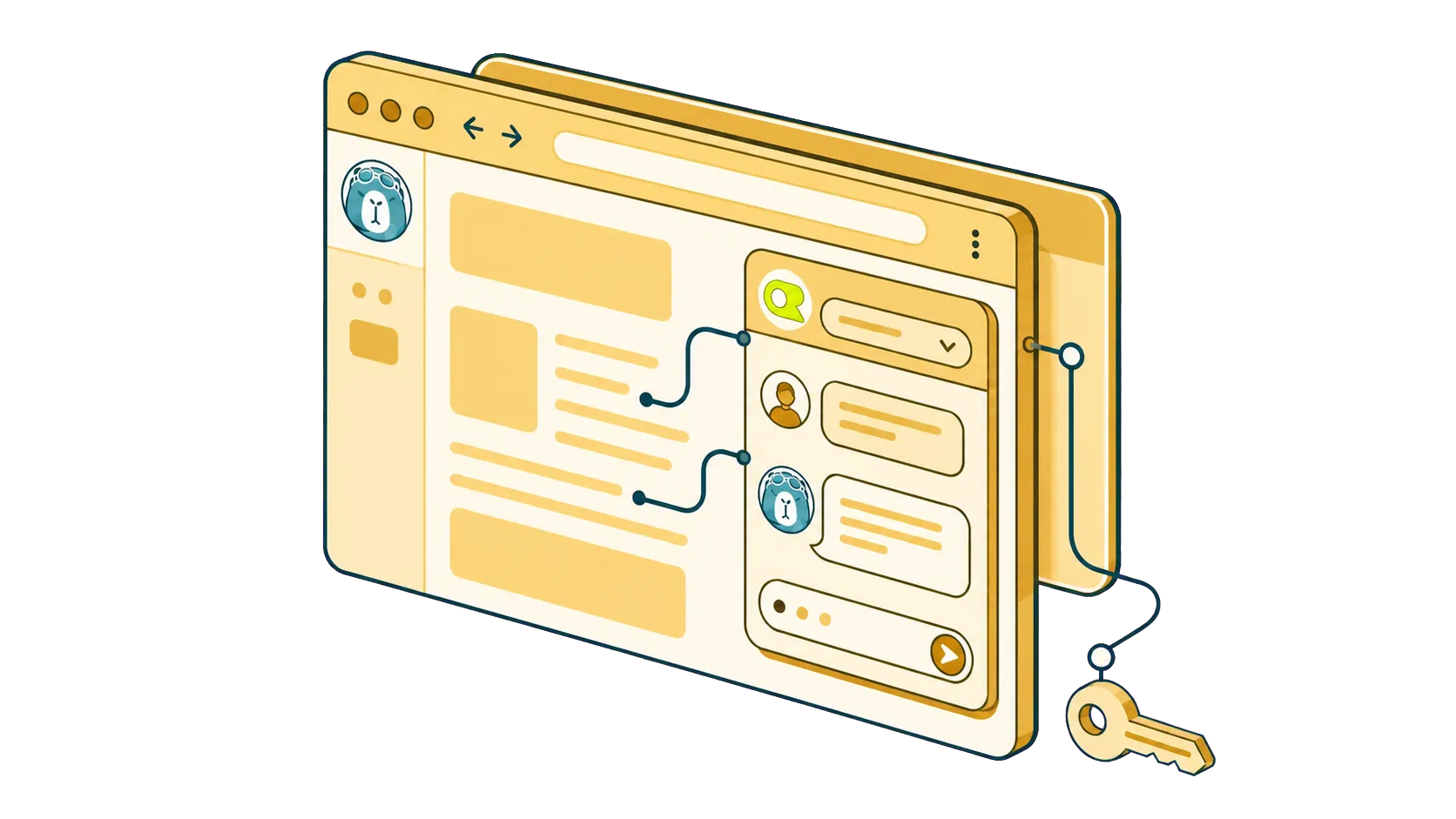
Open the sidebar, pick a model, and ask. SurfMind sends the page along with your question, so the answer is about what is in front of you.
What you can do with it
Chat with the page you're reading
Open the sidebar on an article, a documentation page, or a long report and ask questions about it. The model sees the page content, so there is nothing to copy and paste.
Switch models mid-conversation
Draft with a low-cost model, then run the important paragraph through a stronger one. Same conversation, same sidebar.
Use OpenRouter's free models
OpenRouter hosts free variants of capable open models. They have daily rate limits, but they cost nothing, and they work in SurfMind like any other model.
Pay per use, not per subscription
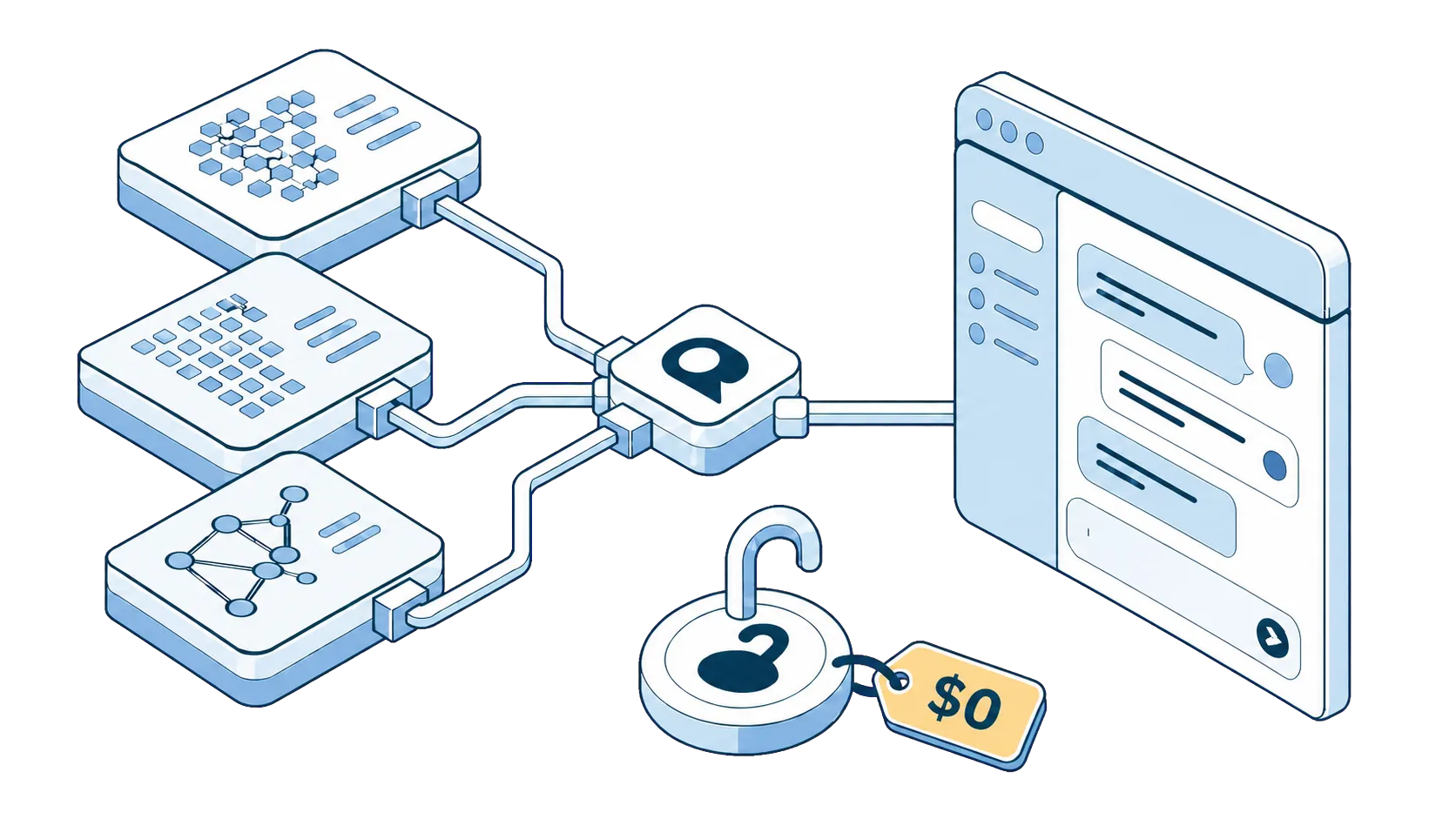
One OpenRouter balance covers every model. You pay OpenRouter for what you use, with no extra subscription to reach your models.
Privacy First
SurfMind is designed with privacy at its core. Our architecture ensures your conversations with AI remain private between you and your chosen AI provider, with SurfMind serving only as a secure bridge to enhance your browsing experience. How we protect your privacy →

Frequently asked questions
- Is there an OpenRouter browser extension?
- OpenRouter does not publish its own browser extension. SurfMind is a third-party extension that connects to OpenRouter with your API key and adds an AI sidebar to every web page.
- Is it free?
- SurfMind is free to install and use with your own OpenRouter key. You pay OpenRouter for the models you use, or pick one of its free models.
- Where is my API key stored?
- Your key is stored locally in your browser, and requests go from your browser directly to OpenRouter. You can revoke a key at any time on the OpenRouter keys page.
- Which browsers does it work on?
- Chrome, Firefox, Edge, Brave, Arc, Opera, and Safari on Mac and iOS.

Ready to think
at the speed of AI?
Install SurfMind today and experience the future of browsing
 Add to Chrome