
 Add to Chrome
Best Free OpenRouter Models in 2026 (and How to Actually Use Them)
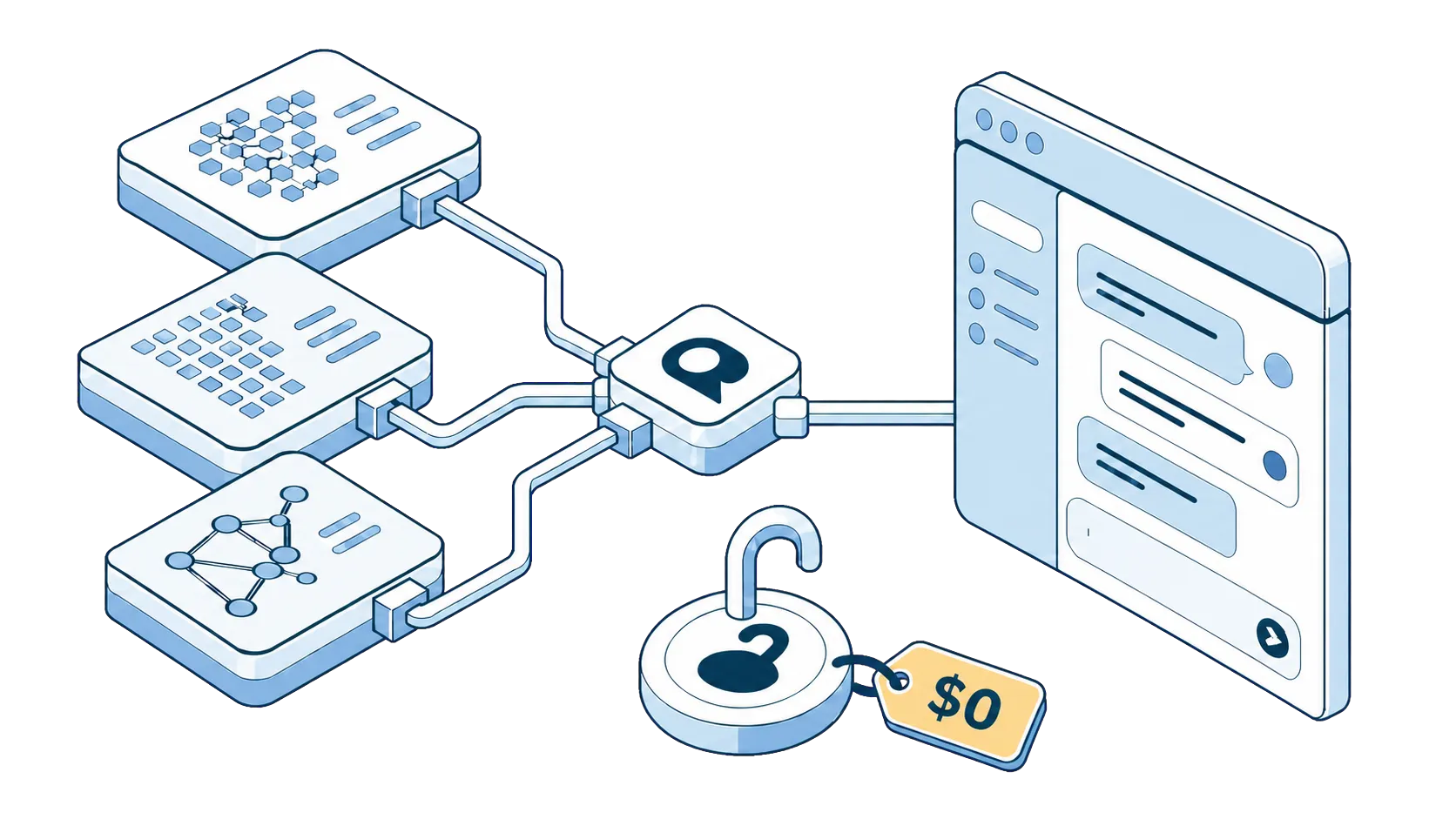
Here's something most people paying $20/month for AI don't know: OpenRouter hosts dozens of models that cost exactly $0. Not trials. Not "free tier with a catch that hits mid-conversation." Real, capable open models, like NVIDIA's Nemotron, Google's Gemma, or OpenAI's OOS, served through the same API as the paid ones.
This guide covers which free models are worth using, what the rate limits are, and how to put them to work on any web page with SurfMind, a browser extension that connects your OpenRouter account to an AI chat sidebar in your browser.
How free models on OpenRouter work
On OpenRouter, free models usually include "(free)" in their name, like "gpt-oss-20b (free)". Same model weights as the paid version, hosted by providers willing to serve them at no charge, usually with tighter capacity.
Why would anyone serve a powerful model for free? A few honest reasons:
- Labs want adoption. An open-source lab's model getting used is the whole point of releasing it.
- Providers want you upgrading. Free tiers with rate limits convert heavy users into paying users.
- Some free endpoints may use your prompts. OpenRouter labels which providers may train on your data, so check before you paste anything sensitive. (For confidential work, use a paid model with a no-training policy, or go fully local with Ollama.)
To see the current list yourself, check OpenRouter's Free Models collection, or just pick a model with "(free)" in its name from the dropdown of a connected app.
Free model rate limits
This is the part everyone asks about, so let's be precise. As of this writing:
| Your account | Free-model allowance |
|---|---|
| Never purchased credits (under $10) | ~50 free-model requests per day |
| Purchased at least $10 in credits, ever | ~1,000 free-model requests per day |
| Everyone | ~20 requests per minute on free models |
Read that middle row again. A one-time $10 top-up (not a subscription, just $10 that sits in your balance and also works on paid models) multiplies your daily free allowance by twenty. A thousand requests a day is more than almost anyone chats. It is, honestly, the best deal in AI.
Limits reset daily, and OpenRouter can adjust these numbers over time, so treat this table as a snapshot rather than a contract.
The free models worth your time
The roster rotates, so always cross-check the Free Models collection before relying on a specific endpoint. As of this writing (August 2026), these are the standouts:
Nemotron 3 (NVIDIA): the free flagship
NVIDIA's Nemotron 3 Ultra is the biggest thing on the free tier: a 550B-parameter reasoning model with a 1M-token context window, at $0. It will happily think through analysis, math, and multi-step problems, the kind of work that used to require a premium subscription. Its little sibling, Nemotron 3 Nano 30B, trades depth for speed and makes a great everyday default.
Use it for: analysis, long documents, tricky questions, anything where you'd normally reach for a premium model first.
Gemma 4 (Google): the reliable all-rounder
Google's open Gemma 4 models (26B and 31B variants, 262K context) are the dependable sedan of the free tier: solid general chat, summarization, drafting, and translation, with strong multilingual coverage. Fast enough to be your default for browsing tasks.
Use it for: summarizing pages, drafting emails, general chat, translation.
gpt-oss (OpenAI): the coding sidekick
OpenAI's open-weight gpt-oss 20B (131K context) is small, quick, and surprisingly strong on code, with benchmark results in the same neighborhood as paid mini-tier models. If you want a free model that handles code blocks gracefully, start here.
Use it for: coding questions, quick technical answers, structured output like tables and lists.
The rotating cast of surprises
Beyond the headliners, the free list carries recent releases from ambitious labs, currently including Cohere's North Mini Code and InclusionAI's Ling 3.0 Flash. Models often appear free precisely when they're new and the lab wants attention, which means the free tier sometimes gets you this month's interesting model, not last year's leftovers.
The flip side: models leave without notice. The Llama, Qwen, and DeepSeek free variants that older guides recommend have all been pulled from the free tier, which is exactly why checking the live collection beats trusting any list, including this one.
Use them for: experimenting. Ask the same question to two free models and keep the one that fits your taste.
Free vs. paid: an honest comparison
Free models are surprisingly good now, but they're not always the right tool. Here's the fair breakdown:
| Dimension | Free models | Paid models (Claude, GPT, Gemini) |
|---|---|---|
| Everyday quality | Excellent for most tasks | Excellent |
| Hardest tasks | Good, occasionally stumbles | Still the benchmark |
| Speed | Variable, slower at peak hours | Consistently fast |
| Context length | Often shorter on free endpoints | Full length |
| Privacy | Some endpoints may log/train | No-training options available |
| Cost | $0 | Cents per conversation |
The winning strategy isn't "free everything" or "paid everything". It's free by default, paid on demand. Summaries, drafts, quick questions: free model. Contract analysis, important writing, gnarly debugging: spend the two cents on Claude or GPT. Mixed like this, a heavy month of AI lands under $5.
How to use free OpenRouter models in your browser
OpenRouter's own chat interface is fine for trying free models out, but the real convenience is using them where you already work: your browser, on any web page.
- Get an OpenRouter API key at openrouter.ai → Keys → Create Key. (Full walkthrough: how to use OpenRouter in your browser.)
- Install SurfMind, a browser extension that adds an AI sidebar to every web page and connects to OpenRouter with your own key.
- Paste your key into SurfMind's settings. It is kept private and stored locally in your browser.
- Pick a free model from the model dropdown. The free roster changes from time to time, but SurfMind always pulls the latest list from OpenRouter. To see every free model currently available, simply search for "free" in SurfMind's model list.
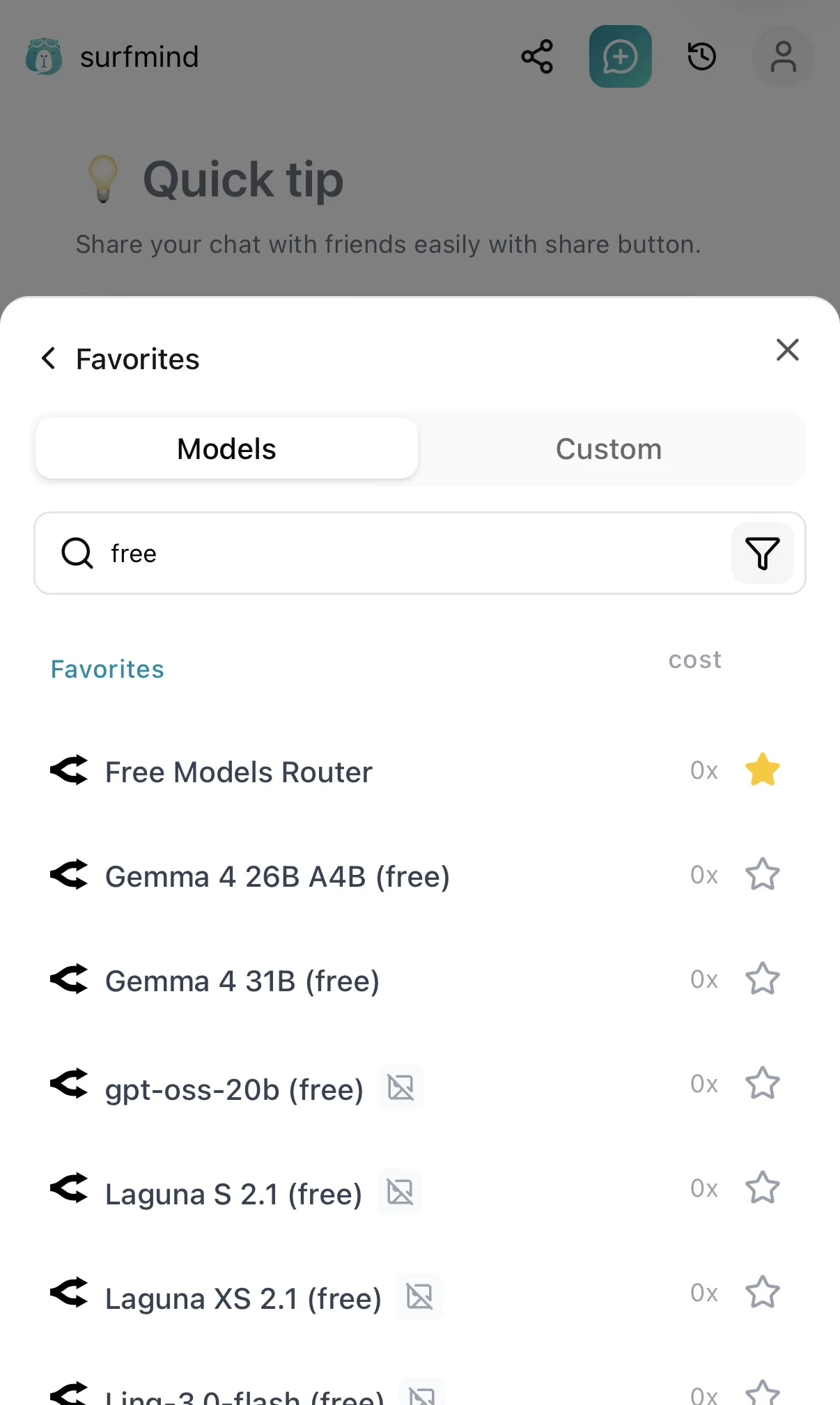
Now every page you read has a free AI attached to it. Select text and ask about it, summarize long articles, draft replies. And when a task deserves a premium model, switch in the same dropdown without opening a new tab.
Getting the most out of the free tier
Spread work across model families. Rate limits apply per account, but variety still helps: when one free endpoint is slow or briefly overloaded, another family answers instantly.
Keep prompts focused. Free endpoints sometimes serve shorter context windows. Instead of pasting a whole document, ask about the page you're on (a sidebar that reads the page for you helps here) or work section by section.
Don't paste secrets. Check OpenRouter's data-policy labels before sending anything sensitive to a free endpoint. Confidential material belongs on a no-training paid endpoint or a local model.
Make the $10 top-up early. It raises your daily free allowance roughly twentyfold and doubles as a balance for the occasional premium request. One coffee-shop lunch, permanent upgrade.
Re-check the list monthly. The free roster is a moving target in the best way: new releases show up free all the time. Two minutes of browsing the free filter occasionally is how you catch this month's gem.
The bottom line
"Free AI" used to mean crippled demos. On OpenRouter in 2026, it means a 550B reasoning model and solid all-rounders from NVIDIA, Google, and OpenAI, with limits generous enough that most people never hit them, especially after a one-time $10 top-up.
Pair that with a browser sidebar and the math gets a little absurd: capable AI on every web page you visit, for somewhere between $0 and the price of one sandwich per year.
Try the free models today
Install SurfMind free, paste your OpenRouter key, and chat with free Nemotron, Gemma, and gpt-oss models on any web page.
Related posts
View all
5 Ways to Get Claude/GPT Quality AI for Under $5/Month
Skip the $20/month subscriptions. Learn how to access top-tier AI models like Claude Sonnet 4.6, GPT-5.4, and Gemini 3 Flash for a fraction of the cost using BYOK and smart model selection.

BYOK Meaning: What 'Bring Your Own Key' Is and Why It's the Future of AI Tools
BYOK means Bring Your Own Key: you connect your own API key to AI tools instead of paying subscriptions. Learn what BYOK means, how it saves 40–90%, and how to start in 5 minutes.
How to Use OpenRouter Directly in Your Browser with an API Key
OpenRouter gives you access to hundreds of AI models. Here's how to set it up and chat with GPT, Claude, DeepSeek, and Gemini right in your browser: no code, no subscriptions, no switching tabs.