
 Add to Chrome
OpenWebUI API: Chat With Any Webpage Using Your Models
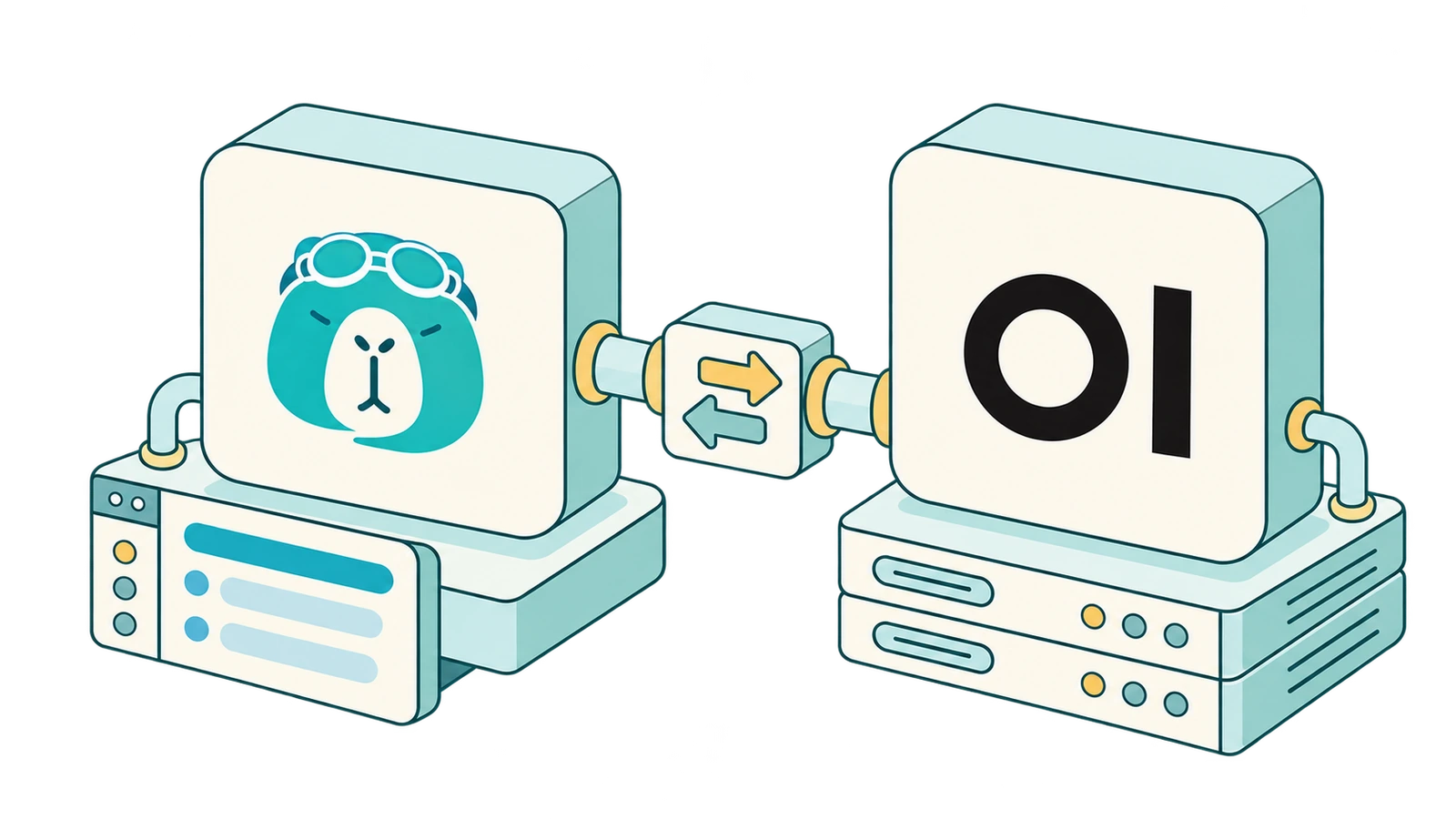
If you run OpenWebUI, you've already done the hard part. Your models are set up and your keys are in one place, maybe with Ollama on a home server, a cloud provider or two, and a few custom workspace models you've tuned.
What OpenWebUI doesn't do is work inside the pages you're browsing. To ask a model about the article, PDF, or docs page you're reading, you still copy and paste it into another tab.
That's where SurfMind comes in. OpenWebUI isn't only a chat interface. Through the OpenWebUI API, it also works as an API server, so SurfMind can use it as a backend. You keep managing models in OpenWebUI, and SurfMind becomes the browser front end for them.
This guide covers what the OpenWebUI API is, how it relates to SurfMind, the exact URLs to paste, and how to fix the errors people actually hit.
OpenWebUI and SurfMind: similar on the surface, different jobs
At first glance the two look like competitors. Both are AI interfaces, both connect to many LLM providers, and both let you chat with models. They're built for different places, though:
| SurfMind | OpenWebUI | |
|---|---|---|
| Main interface | Browser extension (sidebar on every page) | Self-hosted web application |
| Connect multiple AI providers | Yes | Yes |
| Local models | Through any compatible endpoint (Ollama, LM Studio, OpenWebUI…) | Native Ollama integration plus other endpoints |
| Works with the page you're reading | Core strength: page, tabs, PDFs, YouTube | Not its focus |
| Self-hosting | Fully supported via custom API | Full application and backend you run |
| Serves models to other apps over an API | No | Yes |
| Knowledge and retrieval | Browser context: the pages and tabs you have open | Server-side knowledge bases and RAG |
OpenWebUI is a self-hosted AI workspace. SurfMind is AI inside the browser you already use. The row that matters most is the one in bold. Because OpenWebUI can serve your models over an API, the two fit together.
Why connect OpenWebUI to SurfMind?
Picture a typical setup. You have OpenWebUI on a home server or a small VPS, and behind it:
- Llama, Qwen, or Gemma running locally through Ollama
- GPT or Claude models through a cloud API key
- A model served by vLLM on your own GPU
- A few workspace models you built in OpenWebUI, each with its own system prompt and settings
All of that is reachable from OpenWebUI's chat page. Now you also want what a browser assistant does well: ask questions about the current page, summarize a long thread, compare information across tabs, or draft a reply without leaving the site.
You could re-add every provider to SurfMind one by one: Ollama, then your OpenAI key, then your vLLM endpoint. That's tedious, it duplicates your keys, and the workspace models you built wouldn't come along.
Or you add one connection: SurfMind → OpenWebUI. Every model OpenWebUI can see shows up in SurfMind's model picker. You keep managing models, users, and permissions in OpenWebUI, where you already do, and SurfMind adds the browser layer on top.
It's also a clean way to share a setup. If a team runs one OpenWebUI instance, each person can create their own API key and use the team's models from their browser. They get the same permissions they have in OpenWebUI, and nobody needs the provider keys themselves.
Step 1: Create an OpenWebUI API key
API keys are off by default, so this takes a minute the first time.
If you're the admin, turn API keys on:
- Log in to OpenWebUI as an administrator.
- Go to Settings → Admin → Authentication.
- Toggle API Keys on and click Save.
If you're not an admin, ask yours to give you the API Keys feature permission. Admins set it under Admin Panel → Users → Groups, either in Default Permissions for everyone or in a specific group.
Then generate your key:
- Click your profile icon at the bottom left.
- Open Settings → Account.
- In the API keys section, click Show next to Secrets. The section is collapsed by default, so an empty-looking area here is normal.
- Click Create new secret key and copy it. It starts with
sk-.
A few things worth knowing, from OpenWebUI's API key docs:
- One key per account. Creating a new key replaces the old one, and the old key stops working immediately. If another tool already uses your key, creating a fresh one for SurfMind will break that tool. A dedicated non-admin account for SurfMind avoids that.
- The key acts as you. It sees the same models and has the same permissions as the account that created it.
- Don't use the JWT token shown to admins in the same panel. That's your browser session token, and it expires.
Step 2: Add OpenWebUI to SurfMind
In SurfMind, click the model name at the bottom of the panel, then Show all → Custom → Add Custom Models. Choose the generic OpenAI-compatible preset and fill in:
| Field | What to enter for OpenWebUI |
|---|---|
| API Name | Anything, e.g. OpenWebUI |
| API URL | https://your-openwebui-host/api/chat/completions |
| Models URL | https://your-openwebui-host/api/models |
| API Key Header | Authorization |
| API Key | Your sk-… key, with no Bearer in front (SurfMind adds it) |
If OpenWebUI runs on the same computer as your browser, the host is usually http://localhost:3000 (Docker's common port mapping) or http://localhost:8080 (a pip or bare-metal install):
- API URL:
http://localhost:3000/api/chat/completions - Models URL:
http://localhost:3000/api/models
Save, pick one of your OpenWebUI models from the list, open any article, and ask SurfMind to summarize it.
Two path mistakes to avoid. Paste the full endpoint ending in
/api/chat/completions, not the bare host or/api. SurfMind's API URL field doesn't add the path for you. And don't add/v1anywhere./api/v1/chat/completionsand/v1/chat/completionsaren't OpenWebUI's chat endpoint.
Troubleshooting: "models load but chat fails"
This is the most common OpenWebUI report, so it gets its own section. If the model dropdown fills in, your host, key, and network path all work. Something specific to the chat request is failing. Go through these in order.
First, test outside SurfMind. A quick curl from a terminal tells you whether the problem is in OpenWebUI or in your SurfMind settings. Replace the host, key, and model id with your own:
curl -X POST https://openwebui.example.com/api/chat/completions \
  -H "Authorization: Bearer sk-YOUR_KEY" \
  -H "Content-Type: application/json" \
  -d '{"model": "llama3.2:latest", "messages": [{"role": "user", "content": "Say hi"}]}'
Use a model id exactly as it appears in SurfMind's model list (or in GET /api/models). If this works, recheck the SurfMind fields. If it fails too, the error it returns points to one of the causes below.
1. The chat path is wrong. The Models URL and API URL are separate fields, so one can be right while the other is wrong. Check that the API URL ends in exactly /api/chat/completions, with no /v1, no trailing slash, and no typo.
2. Endpoint restrictions block chat. Admins can turn on API Key Endpoint Restrictions, an allowlist of routes that API keys may call. If it includes /api/models but not /api/chat/completions, you get exactly this symptom, usually as a 403. Ask your admin to add /api/chat/completions.
3. A model setting forces a streaming mode. OpenWebUI has a Stream Chat Response setting, set per model in its advanced parameters or as an admin default under Settings → Admin → Models. According to OpenWebUI's docs, this setting decides whether the reply streams regardless of what the client asked for. If a model is forced into a mode the client isn't expecting, the reply can come back in a shape the client can't read. If chat fails only with certain models, check this setting on them and set it back to Default.
4. A reverse proxy eats the Authorization header. If OpenWebUI sits behind a gateway that uses Authorization for its own login (basic auth, SSO, an API gateway), your key never reaches OpenWebUI. OpenWebUI also accepts the key in a custom header, x-api-key by default. Choose x-api-key as SurfMind's API Key Header in that case. If your admin renamed the header with CUSTOM_API_KEY_HEADER, the proxy has to pass that header through.
5. The model id doesn't match. Pick from the dropdown rather than typing. OpenWebUI ids for Ollama models include the tag (llama3.2:latest), and workspace models use the id you gave them, not their display name.
6. The provider behind OpenWebUI is failing. When the upstream provider rejects a request, OpenWebUI passes its status code through. A 429 comes from the provider's rate limit, not from OpenWebUI or SurfMind. Try the same model in OpenWebUI's own chat. If it fails there too, the problem is upstream.
Other errors, quickly
| Symptom | Likely cause | Fix |
|---|---|---|
401 Unauthorized |
Wrong or replaced key, Bearer typed into the key field, stray space |
Re-copy the key, check you didn't create a newer one since |
403 Forbidden |
API Keys toggle off, missing feature permission, or endpoint allowlist | Ask your admin to check all three |
404 or an HTML page instead of JSON |
Wrong path (/v1/...) |
Use /api/chat/completions and /api/models |
Connection fails on a LAN IP (http://192.168.x.x) |
Browser blocks plain http to non-localhost addresses |
Put OpenWebUI behind https (Caddy, Tailscale, Cloudflare Tunnel, or a reverse proxy) |
Odd {} responses or "not valid JSON" errors |
CORS_ALLOW_ORIGIN misconfigured on the server |
OpenWebUI's docs require setting it. Make sure it isn't blocking requests |
| Works at home, fails elsewhere | localhost only means "this computer" |
Use the server's real hostname, reachable from wherever your browser is |
For the general rules that apply to every custom endpoint (ports, http vs https, base URL vs full endpoint), see our custom AI connection guide.
Should you use OpenWebUI, SurfMind, or both?
They're not either/or.
- OpenWebUI alone is great if most of your AI use is long conversations in a dedicated tab: chatting with documents in your knowledge bases, running pipelines, managing models for a team.
- SurfMind alone is great if most of your AI use starts from what's on your screen, and you're happy connecting providers or a local runner like Ollama directly.
- Both makes sense when you've invested in an OpenWebUI setup and want it available on every page without configuring everything twice.
The split is simple: OpenWebUI manages your models, and SurfMind puts them to work in the browser.
Frequently asked questions
Does OpenWebUI have an API?
Yes. The OpenWebUI API is a REST API authenticated with Bearer tokens. The two endpoints most tools need are GET /api/models to list models and POST /api/chat/completions for chat, which accepts OpenAI-style requests.
Is the OpenWebUI API OpenAI-compatible?
The request and response format is. The paths aren't the standard ones: OpenWebUI uses /api/chat/completions instead of /v1/chat/completions. Any client that lets you set the full endpoint URL, like SurfMind, can use it.
Where do I find my OpenWebUI API key? Go to Settings → Account → API keys, click Show, then Create new secret key. If the section is missing, an admin has to turn on API Keys under Settings → Admin → Authentication and give your account the API Keys permission.
Can I use my OpenWebUI workspace models in SurfMind?
Yes. Workspace models are listed by /api/models like any other model. When you call them, OpenWebUI applies their saved settings.
Does connecting OpenWebUI send my data to SurfMind's servers? With a custom endpoint, SurfMind sends requests to the URL you configured, here your OpenWebUI server. Your OpenWebUI server then forwards them to whichever model you chose. If that model runs locally, the page content stays on hardware you control.
Is it free? Yes. Custom endpoints in SurfMind cost nothing and have no usage caps from us. You only pay whatever your own providers charge, and that's nothing for local models.
Still stuck?
If the curl test works and SurfMind still won't chat with your OpenWebUI models, email us at wave@surfmind.ai. Include your API URL (without the key), the HTTP status code, and whether certain models or all of them fail. Self-hosted setups vary a lot, and those reports help us make SurfMind work smoothly with them.
Related posts
View all
Connect a Local LLM or Custom AI to Your Browser with SurfMind
SurfMind connects to your local model or any OpenAI-compatible AI provider. Here's a quick self-help checklist for the setup mistakes that trip people up, plus ready-to-paste URLs for Ollama, LM Studio, Poe, z.ai, Together, Groq, AWS Bedrock, and more.
Ollama vs LM Studio: Which Local AI Tool Is Right for You?
A practical, no-hype comparison of Ollama and LM Studio for running AI models locally in 2026, plus how to use either one to chat with any web page.
BYOK Meaning: What 'Bring Your Own Key' Is and Why It's the Future of AI Tools
BYOK means Bring Your Own Key: you connect your own API key to AI tools instead of paying subscriptions. Learn what BYOK means, how it saves 40–90%, and how to start in 5 minutes.