Chat with any web page using Ollama
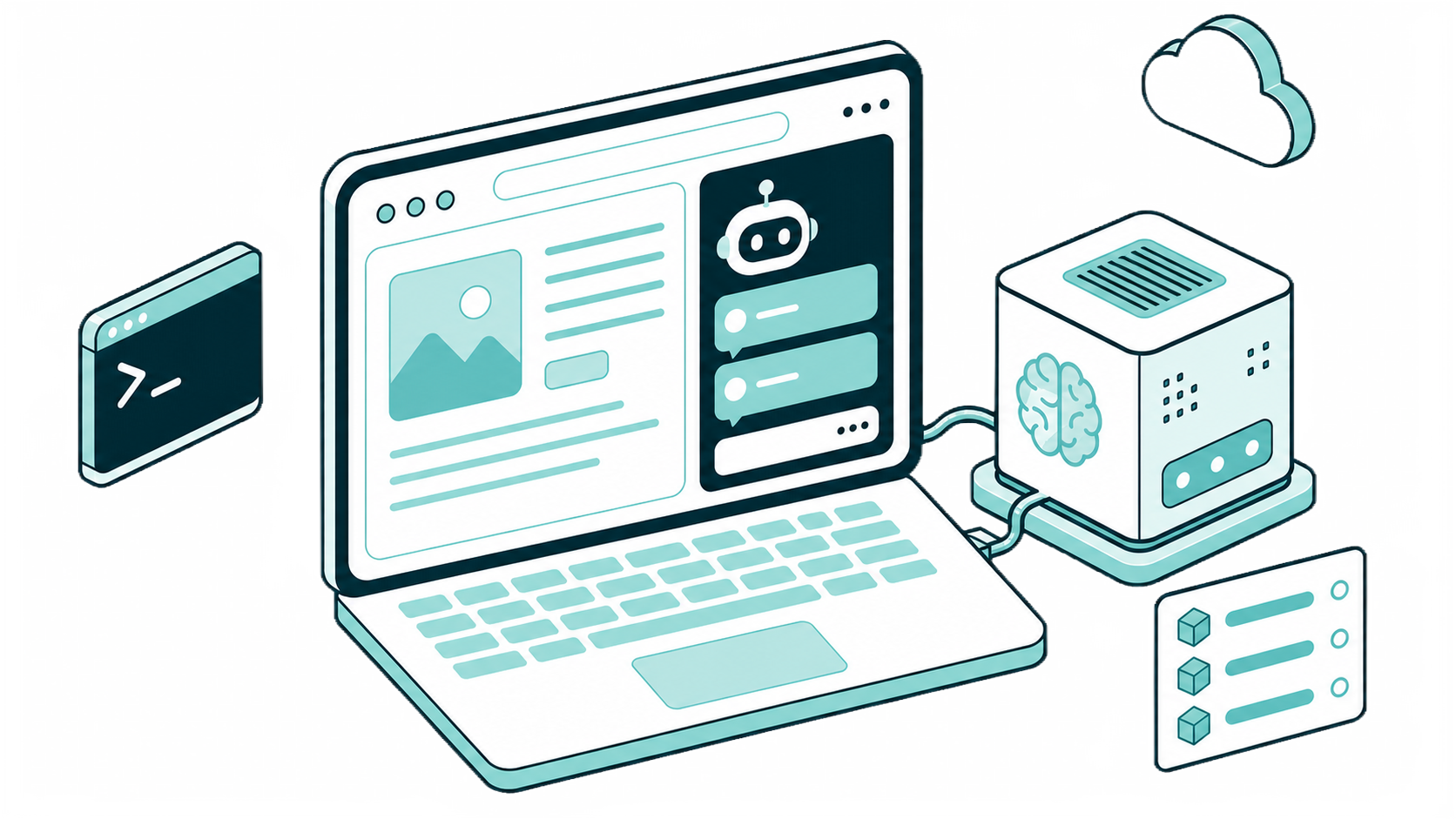
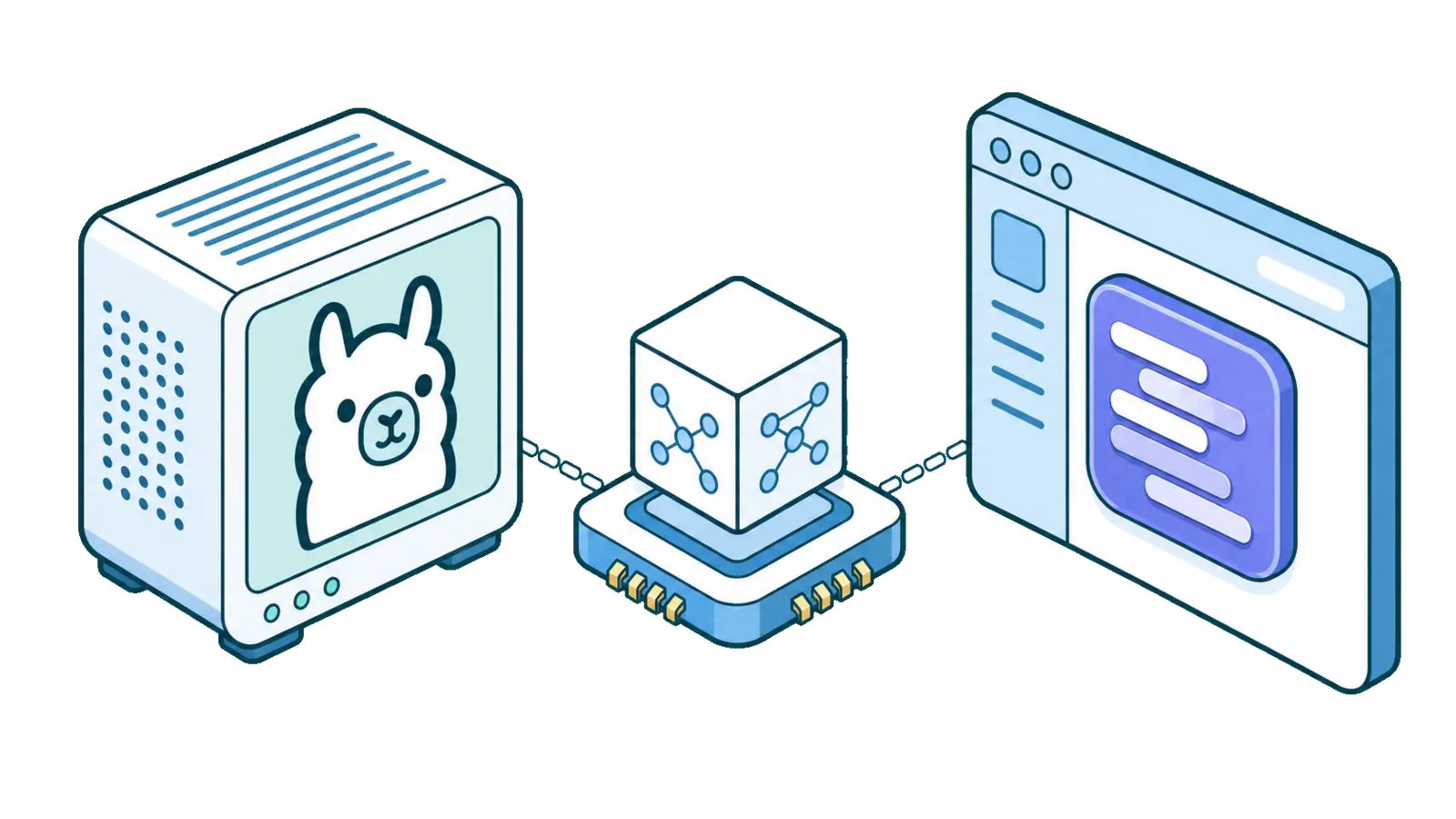
SurfMind is a browser extension that connects to Ollama running on your computer. Open the sidebar on any website and ask your local model about the page you're reading. With a local model, the page content is processed on your own machine. Learn more
 Add to Chrome


Set it up in a few minutes
Install Ollama and pull a model
Download Ollama from ollama.com, then run "ollama pull llama3.2" in a terminal to get your first model.
Allow browser access
Start Ollama with browser access enabled: run OLLAMA_ORIGINS="*" ollama serve. If the Ollama app is already running, quit it first.
Add Ollama in SurfMind
Install SurfMind, click the model name, open the Custom tab, and choose "Add Custom Models". Select the Ollama preset and save. Your installed models appear in the model picker.
Your local models, on the page you're reading
Open the sidebar, pick one of your Ollama models, and ask. The page goes to the model on your computer along with your question.
What you can do with it
Ask about the page you're on
Summarize a research paper, get the key points of a long article, or break down terms of service in plain language, without copying anything into a chat window.
Keep sensitive pages on your machine
With a local Ollama model, the page content you ask about is sent to Ollama on your own computer, not to a cloud AI provider.
No usage fees
Local models run on your own hardware, so there are no per-token costs and no rate limits from a cloud provider.
Bigger models when you need them
SurfMind also works with Ollama's cloud models, for tasks that need more than your hardware can run.
Privacy First
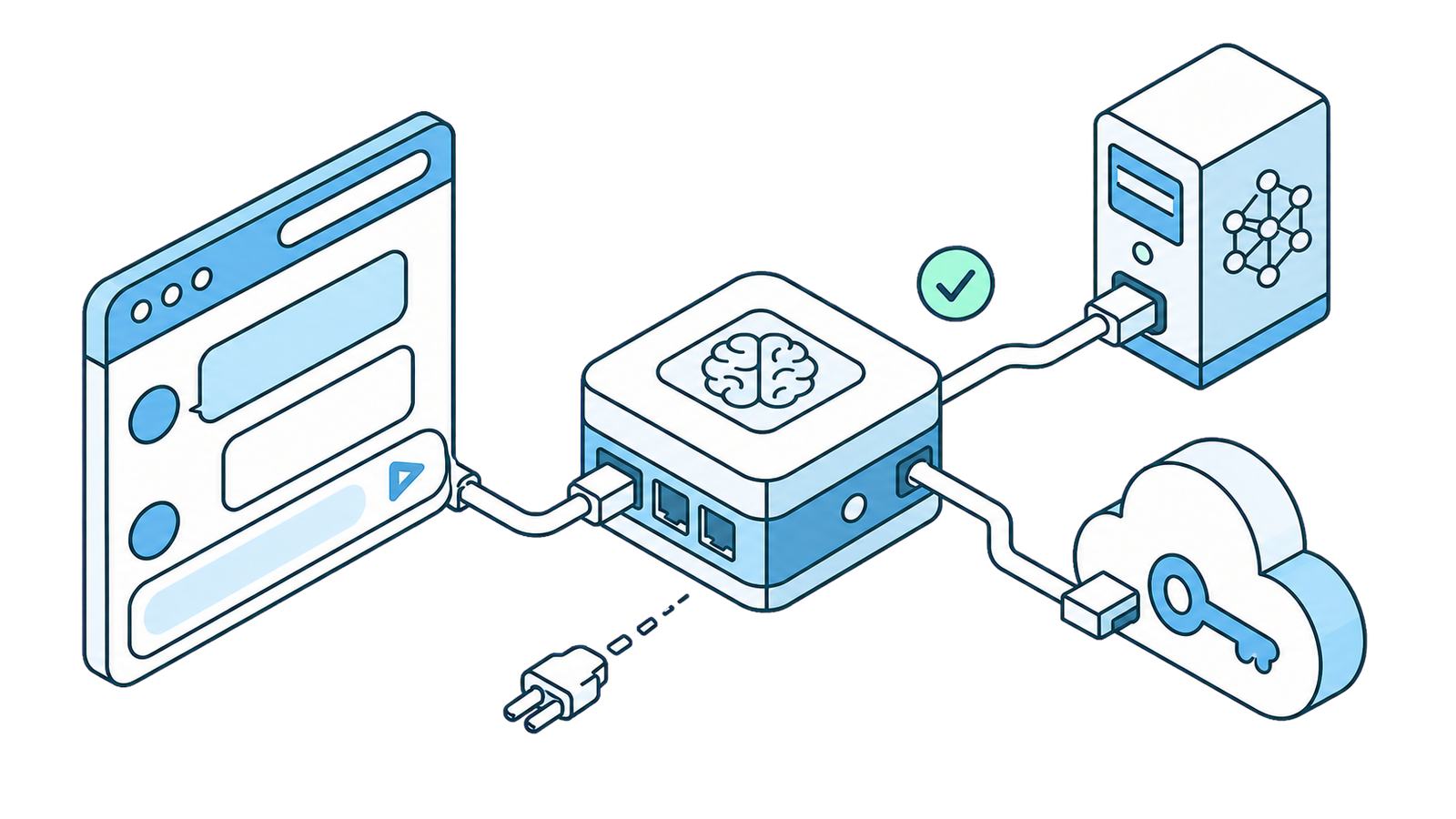
SurfMind is designed with privacy at its core. Our architecture ensures your conversations with AI remain private between you and your chosen AI provider, with SurfMind serving only as a secure bridge to enhance your browsing experience. How we protect your privacy →

Frequently asked questions
- Is there an Ollama browser extension?
- Ollama does not ship a browser extension of its own. SurfMind is a third-party extension that connects to your local Ollama server and adds an AI sidebar to every web page.
- Does my data leave my computer?
- With a local Ollama model, the page content and your questions are sent to Ollama on your own machine. If you choose one of Ollama's cloud models, requests go to Ollama's cloud.
- Why can't SurfMind see my Ollama models?
- Ollama blocks requests from browser extensions by default. Start it with OLLAMA_ORIGINS="*" ollama serve, and quit the Ollama app first if you see a "port 11434 already in use" error.
- Does it work with LM Studio and other local servers?
- Yes. SurfMind supports local models and custom endpoints that are compatible with the OpenAI Completions API.
Ready to think
at the speed of AI?
Install SurfMind today and experience the future of browsing
 Add to Chrome