Use your Open WebUI models on any web page
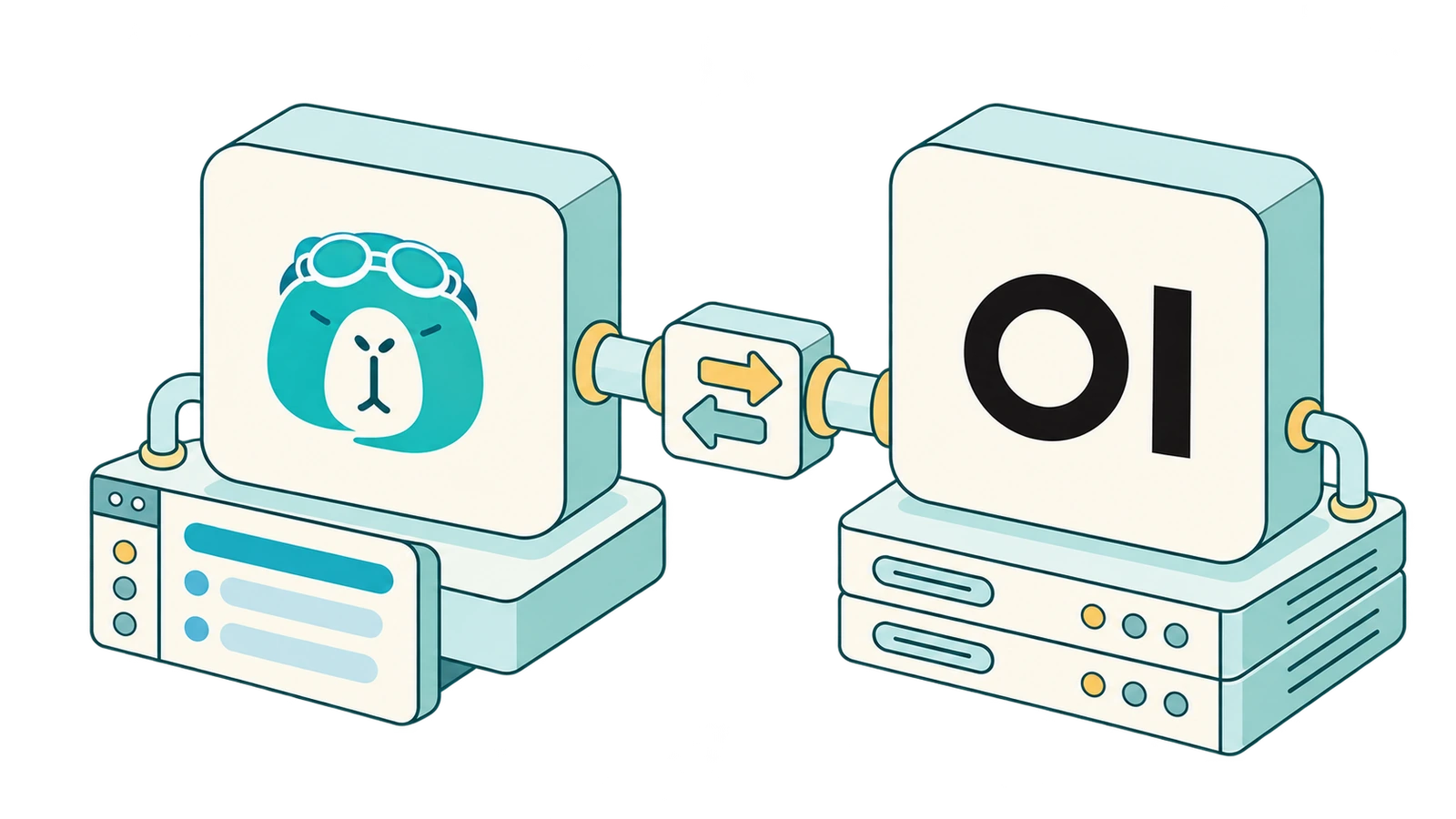
SurfMind is a browser extension that connects to your Open WebUI server through its API. Every model you have set up in Open WebUI appears in a sidebar on every website, so you can ask about the page you're reading without copying it into another tab. Learn more
 Add to Chrome


Set it up in a few minutes
Create an Open WebUI API key
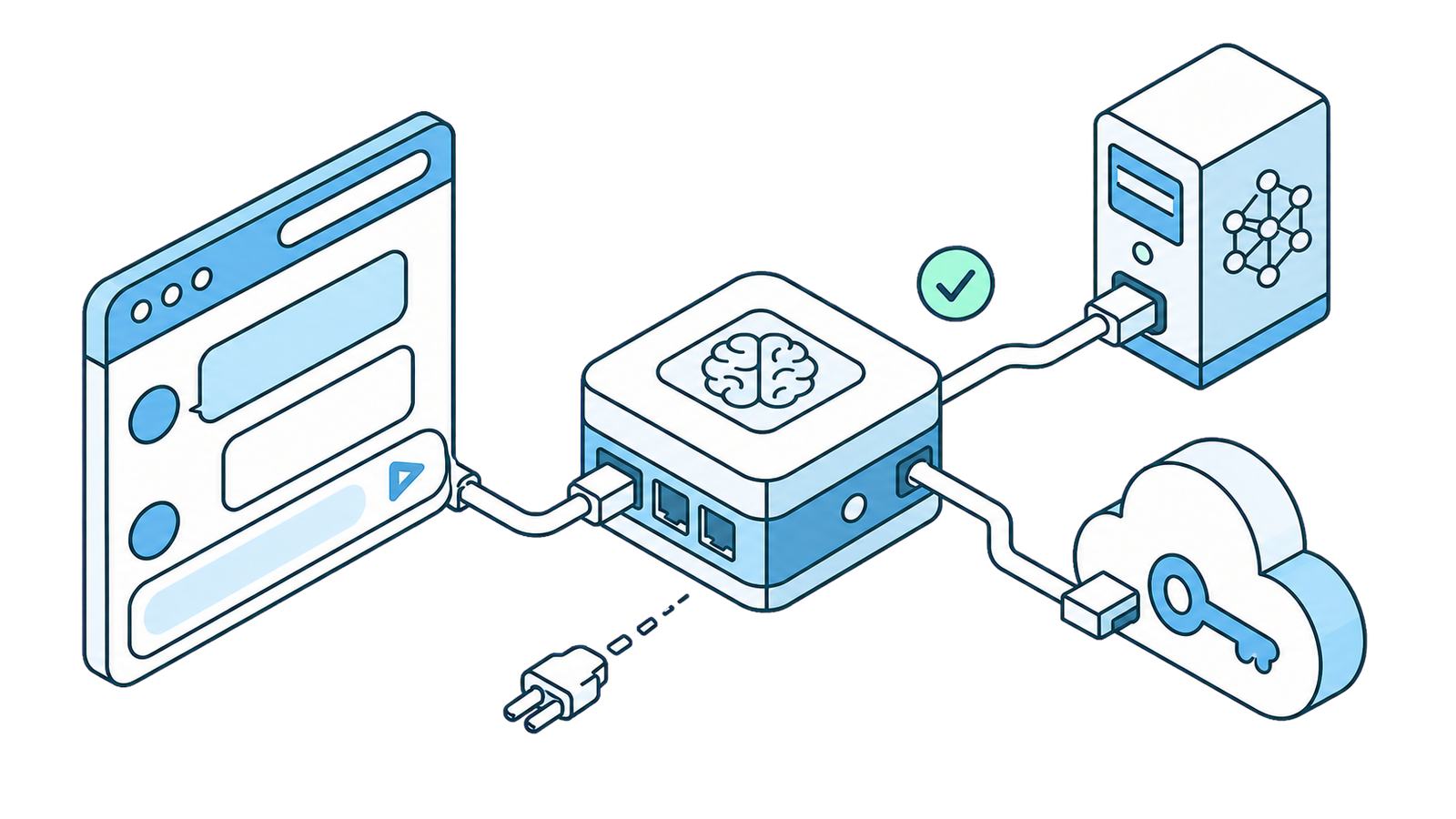
In Open WebUI, open Settings, then Account, and create a secret key under API keys. If the option is missing, an admin needs to turn API keys on first.
Add Open WebUI in SurfMind
Install SurfMind, click the model name, open the Custom tab, and choose "Add Custom Models". Select the Open WebUI preset, set your server address, and paste your key.
Pick a model and ask
Your Open WebUI models appear in the model picker. Choose one, open any article, and ask SurfMind to summarize it.
Your Open WebUI models, on the page you're reading
Open the sidebar, pick one of your Open WebUI models, and ask. You keep managing models in Open WebUI; SurfMind is the browser front end for them.
What you can do with it
One connection for every model
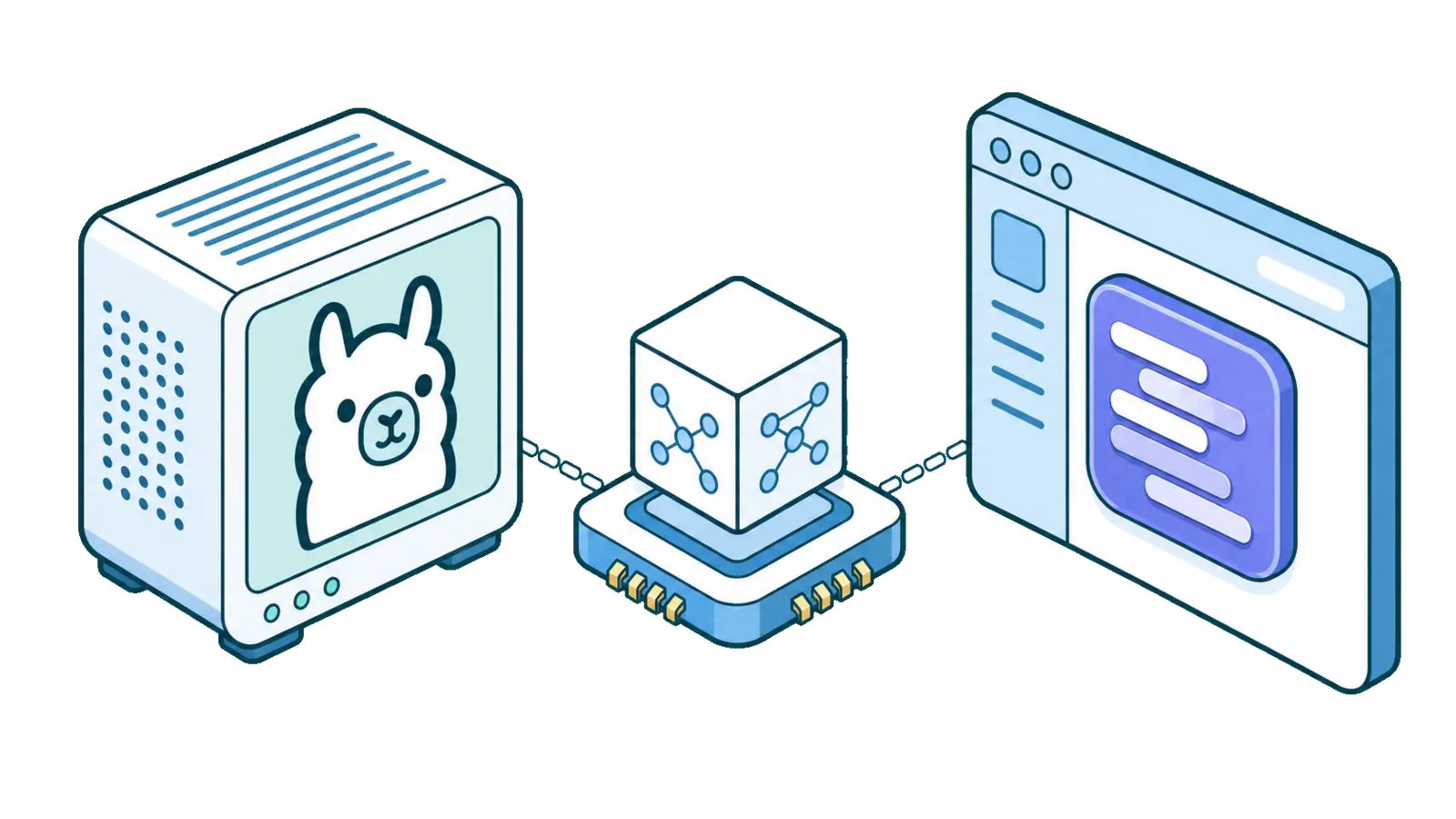
Local models through Ollama, cloud models behind your API keys, and the workspace models you built in Open WebUI all arrive through a single connection.
Chat with the page you're reading
Open WebUI lives in its own tab. SurfMind brings the same models next to the article, PDF, or documentation page you are on, so there is nothing to copy and paste.
Your server, your data path
Requests go from your browser to your Open WebUI server. If your models run locally behind it, the page content stays on your own hardware.
Share a team setup
If your team runs one Open WebUI instance, each person can use their own API key in SurfMind and get the same models and permissions they have in Open WebUI.
Privacy First
SurfMind is designed with privacy at its core. Our architecture ensures your conversations with AI remain private between you and your chosen AI provider, with SurfMind serving only as a secure bridge to enhance your browsing experience. How we protect your privacy →

Frequently asked questions
- Is there an Open WebUI browser extension?
- SurfMind is a third-party browser extension that connects to Open WebUI through its API and adds an AI sidebar to every web page. It is not made by the Open WebUI project.
- Is it free?
- SurfMind is free to install and use with your own Open WebUI server. You pay nothing to SurfMind for the models you run yourself.
- Which URLs do I enter?
- The API URL ends in /api/chat/completions and the models URL ends in /api/models, for example http://localhost:3000/api/chat/completions. Do not add /v1.
- The models load but chat fails. Why?
- Check that the API URL ends in exactly /api/chat/completions, and ask your admin whether API key endpoint restrictions allow that route. The Open WebUI guide below covers the other causes.
Ready to think
at the speed of AI?
Install SurfMind today and experience the future of browsing
 Add to Chrome