
 Add to Chrome
SurfMind vs Monica: AI Browser Assistants Compared for Models, Price and Privacy
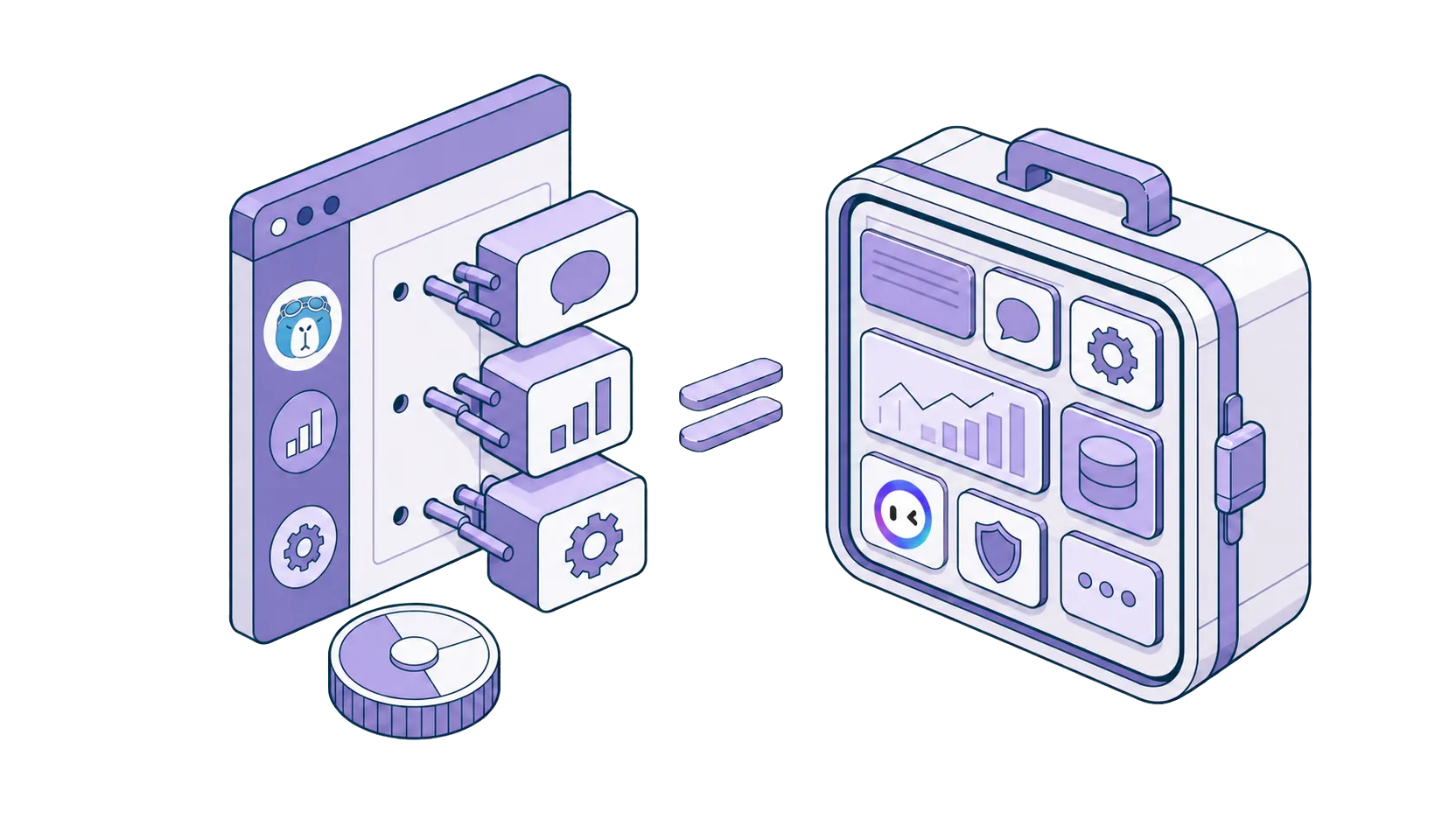
All-in-one subscription bundle or modular browser assistant: which model fits how you actually work?
Monica is one of the most polished AI assistants on the market: chat, writing help, image and video generation, desktop and mobile apps, all under one subscription. SurfMind approaches the same space from the opposite direction: a browser-native assistant where you choose the models, pay for exactly what you use, and keep your data path under your control. If you're weighing the two, the decision comes down to bundle versus modularity.
For users searching for a Monica alternative without a subscription, or one that supports local models and their own API keys inside Chrome, Safari, Edge, or Firefox, SurfMind is built exactly for that gap: the same core assistant capabilities, minus the bundle and the monthly fee.
Who each product is really for
Monica is built for general consumers who want everything in one place. One subscription covers chat with major models, writing assistance inside Gmail and LinkedIn, image generation, video generation, and companion apps on desktop and mobile. The appeal is breadth with zero configuration.
SurfMind is built for people who want control. Technical users, researchers, and anyone who cares which model answers, what it costs per use, and where the page content goes. It's a browser assistant first, with the flexibility to run on your own API keys, your own endpoints, or a model on your own machine.
Both do the core sidebar job well: read the page, summarize, answer, write. The divergence is everything around that core.
The bundle: what Monica includes
Credit where due, Monica's bundle is real. Video generation with models like Runway, Pika, and Kling. Desktop applications and mobile apps with synced history. Utilities like memo and mind maps. Its Bots feature lets you create assistants with custom prompts that define persona and behavior. If you use that breadth every month, the subscription (listed at roughly $8 to $17 per month on annual billing on Monica's pricing page) buys a lot of surface area.
The structural limits sit underneath: Monica's assistant runs on Monica's licensed model catalog through Monica's cloud. Official documentation does not describe support for your own API keys or for local models, and the "Unlimited" tier is described with soft caps on the most advanced models. Whether you had a heavy month or barely opened the sidebar, the bill is the same.
The modular approach: what SurfMind does instead
SurfMind unbundles all of it and lets usage drive cost:
- Models: 100+ top AI models out of the box, plus any OpenAI-compatible provider (OpenRouter, Groq, Together, internal gateways), plus dedicated local model support via Ollama and LM Studio, plus your own API keys, free on every account.
- Pricing: pay actual provider token rates with a small transparent margin. Light users often stay under $3 a month. Free is a real option with OpenRouter's free models or a local model. Heavy users scale with no monthly ceiling or soft caps.
- Image generation on the same principle: Flux, Nano Banana, GPT Image, and Seedream, billed per image. Generate fifty images one week and none the next month, and your bill reflects exactly that. (SurfMind does not generate video; if that matters weekly, it's a point for Monica.)
Because you select the provider, model, and connection yourself, the setup is transparent end to end: you always know which model handled a request and what it cost. That control is also where quality comes from. You can route a hard question to the strongest model available and a routine one to a cheap or free one, instead of working within a plan's quotas.
Privacy: cloud-required vs cloud-optional
Monica's products run through Monica's cloud; that's how the bundle works, and its privacy policy governs the data flow. There is no offline mode.
SurfMind is architected so the cloud is optional. With a local model, the page content never leaves your machine. With your own key or SurfMind credits, conversations travel directly to the provider you chose, and SurfMind does not collect browsing data to train on or resell. For sensitive tabs, client work, contracts, internal dashboards, this is the clearest dividing line between the two products.
Customization: bot prompts vs system prompt, skills, and MCP
Monica supports custom bots whose prompts define persona and reply behavior, which covers many personalization needs inside Monica's ecosystem.
SurfMind's customization runs deeper and stays open: edit the assistant's system prompt directly, build reusable skills for the tasks you repeat, and connect MCP servers using the open Model Context Protocol so the assistant can work with your approved tools and data sources. Skills and MCP configurations are portable concepts, not vendor-specific ones.
Platforms: apps ecosystem vs every browser
Monica ships desktop and mobile apps alongside extensions listed for Chrome and Edge; Firefox and Safari coverage is limited or absent in its official listings.
SurfMind covers the browsers themselves: Chrome, Edge, Safari, Firefox, and Chromium browsers like Brave, Opera, and Arc, plus iPhone and iPad. If your life happens across a work machine on Edge, a personal Mac on Safari, and Firefox for development, one setup follows you everywhere.
Side by side
Checked July 30, 2026 against each product's official pricing and documentation pages.
| SurfMind | Monica | |
|---|---|---|
| Product model | Modular browser assistant, pay-as-you-go | All-in-one bundle, subscription |
| Pricing | Provider token rates + small margin | ~$8-17/mo (annual billing) |
| Free path | $0 with OpenRouter free models or a local model | Limited daily quota |
| Models | 100+ models, any custom provider | Monica's licensed catalog |
| Bring your own API key | Yes, free on every account | Not described in official docs |
| Local models (Ollama / LM Studio) | Yes, dedicated support | Not described in official docs |
| Image generation | Pay-per-image (Flux, Nano Banana, GPT Image, Seedream) | Included in plans, quota-based |
| Video generation | No | Yes |
| Customization | System prompt, skills, MCP connectors | Custom bot prompts |
| Desktop / mobile apps | iPhone and iPad | Yes, desktop and mobile |
| Browsers | Chrome, Edge, Safari, Firefox, Brave, Opera, Arc | Chrome, Edge |
Which should you choose?
Choose Monica when you want a broad, bundled creative suite: video generation, desktop applications, mobile apps, and writing tools under one predictable subscription, with no configuration.
Choose SurfMind when you primarily want a browser-native assistant with flexible providers, local models, usage-based costs, and image generation billed per image, and when privacy architecture matters as much as features.
Frequently asked questions
Can SurfMind really be free? Yes, two ways: run a local model via Ollama or LM Studio, or use one of the genuinely free models OpenRouter maintains. Neither has usage caps from us.
Does SurfMind generate images? Yes: Flux, Nano Banana, GPT Image, and Seedream, billed per image. It does not generate video.
How much does SurfMind cost for typical usage? Most light-to-moderate users spend under $3 a month. You pay actual provider token rates with a small transparent margin, topped up a few dollars at a time.
Can I customize how SurfMind behaves? Yes. Edit the system prompt, create and edit skills for repeated tasks, and connect MCP servers so the assistant reaches the tools and data you approve.
Which browsers does SurfMind support? Chrome, Edge, Safari, Firefox, and Chromium browsers like Brave, Opera, and Arc, plus iPhone and iPad.
How does SurfMind compare to Sider, HARPA AI, and Perplexity? See SurfMind vs Sider, SurfMind vs HARPA AI, and SurfMind vs Perplexity.
Related posts
View all
The Best AI Browser Is the One You Already Use
Looking for the best AI browser? Dia, Comet, and the now-defunct ChatGPT Atlas want you to switch. Get tab chat, summaries, and an AI agent in your own browser.
The Best Browser Extensions for Local AI Models in 2026 (Ollama, LM Studio & More)
The best browser extensions for running local AI models in 2026, from polished local+cloud sidebars to open-source Ollama tools. Chat with any page, privately.
The Privacy-First Guide to Using AI Extensions in Your Browser
How to use AI browser extensions without sacrificing your privacy? Discover BYOK, local storage, and granular controls that protect your data.