
 Add to Chrome
SurfMind vs HARPA AI: Browser Assistant or Automation Power Tool?
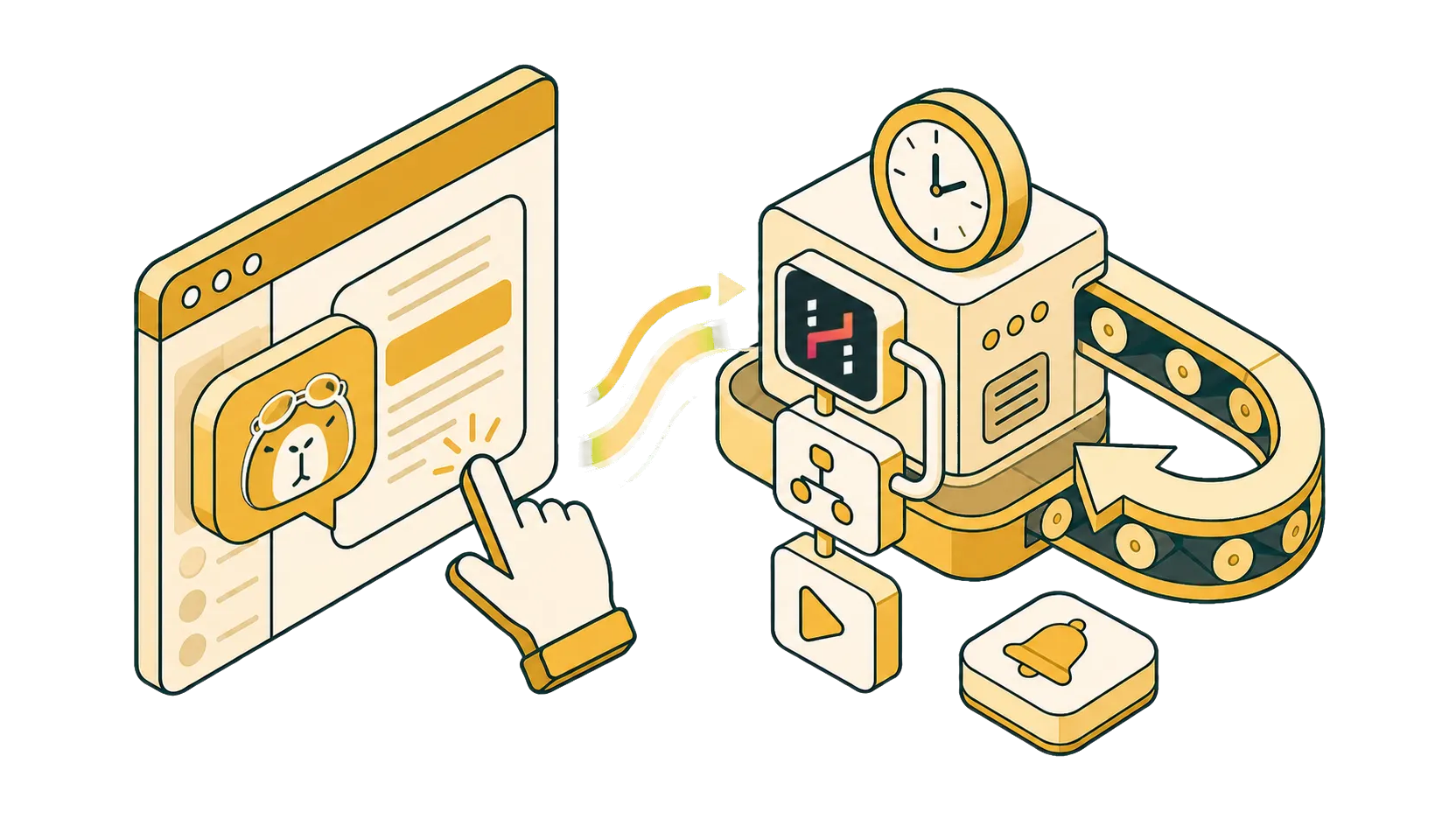
Conversational assistant or automation platform: two different tools that happen to share a sidebar.
HARPA AI and SurfMind both put AI into your browser, but they are different kinds of products. HARPA is an automation platform: commands, workflows, page monitoring, and an API for driving your browser programmatically. SurfMind is a conversational assistant that automates on request: open the sidebar, ask about the page, research across tabs, write, or tell the browser agent to click, type, and navigate for you. Knowing which kind of tool you need answers most of this comparison before the feature tables do.
For users searching for a HARPA AI alternative with local models, free BYOK, or support beyond Chromium browsers (Safari, Firefox, iPhone and iPad), SurfMind covers exactly that ground, and this comparison spells out where each tool wins.
What HARPA is: automation first
HARPA's center of gravity is doing things for you on a schedule or trigger: monitor pages for changes, track prices, extract data, chain AI steps into reusable commands, and drive it remotely through its Grid API. Its command system is genuinely powerful, and for people who invest in it, HARPA can automate meaningful chunks of browser work.
That power has a price in learning curve. HARPA's interface is built around its command paradigm, and becoming productive takes real study; its own onboarding materials walk through a command language rather than a chat box. The free tier is also tight, listed at around 10 messages per day. Model access comes through HARPA's cloud, through connections that use your existing ChatGPT, Claude, or Gemini web sessions, or, on the lifetime plan, through your own API keys.
What SurfMind is: conversation first
SurfMind assumes the thing you want to automate least is talking to your browser. There's nothing to study: the sidebar reads the page, you ask, it answers. From there it scales up without changing paradigm:
- Multi-tab research chat across several open pages at once, with PDFs and images in the conversation.
- A browser agent that automates real tasks: it can click, type, scroll, and open pages to carry out what you describe in plain language. Save a repeated task as a skill and it's one request away next time.
- One-click export of any chat to Notion or Obsidian.
- Customization through open standards: edit the system prompt, build reusable skills for repeated tasks, and connect MCP servers via the open Model Context Protocol. Time invested in skills and MCP carries across the AI ecosystem; time invested in a proprietary command language stays with one vendor.
So the real dividing line isn't automation versus no automation; it's attended versus unattended. SurfMind automates while you're there, and browser actions ask for your permission before they run, a deliberate safety choice. It does not run unattended scheduled jobs. If always-on background monitoring is your core requirement, that's HARPA's territory, and the honest advice is to use HARPA for it.
Model access: open on every account vs tiered
This is where the two products' philosophies show most clearly.
HARPA's own API keys support is part of its X lifetime plan, listed at $240 one-time on HARPA's pricing page when we checked (discounts appear periodically, so verify the current figure). Local models are not described in its documentation.
SurfMind opens everything on every account, including free ones:
- 100+ top AI models out of the box.
- Any OpenAI-compatible provider: OpenRouter, Groq, Together, or an internal gateway.
- Local models with dedicated Ollama and LM Studio support, so page content can stay entirely on your machine.
- Your own API keys, free from day one.
When you use your own API key or custom endpoint, SurfMind sends requests to the provider you selected without requiring a fixed model catalog, so you always know which model ran and what it cost.
Pricing: pay-as-you-go vs subscription or lifetime bet
HARPA's paid plans are listed at $12 to $19 per month on annual billing, or the $240 lifetime purchase. The lifetime plan can genuinely pay off for a committed multi-year automation user; that's a fair deal for the right person.
SurfMind asks for no bet in either direction. You pay for actual usage at provider token rates plus a small transparent margin: often under $3 a month for light use, $0 with OpenRouter's free models or a local model, and no ceiling for heavy use. Image generation follows the same principle, with Flux, Nano Banana, GPT Image, and Seedream billed per image (HARPA does not offer image generation).
Privacy and browser coverage
With your own keys on HARPA's lifetime plan, prompts go directly to providers, which is better than cloud-only tools. SurfMind reaches the same point without the paywall, and goes one step further: a local model means nothing leaves your machine at all.
On availability: HARPA runs on Chrome and Chromium-based browsers; Safari and iOS are not supported. SurfMind runs on Chrome, Edge, Safari, Firefox, and Chromium browsers like Brave, Opera, and Arc, plus iPhone and iPad.
Side by side
Checked July 30, 2026 against each product's official pricing and documentation pages.
| SurfMind | HARPA AI | |
|---|---|---|
| Product type | Conversational browser assistant | Browser automation platform |
| Task automation (click, type, navigate) | Yes, on request with user permission | Yes, via commands |
| Reusable automations | Yes, save tasks as skills | Yes, custom commands |
| Unattended scheduled automation | No | Yes, core feature |
| Time to productive | Minutes | Significant learning curve |
| Customization | System prompt, skills, MCP (open standard) | Proprietary command language |
| Models | 100+ models, any custom provider, local models | HARPA cloud, web sessions, BYOK on lifetime plan |
| Bring your own API key | Free, every account | X lifetime plan ($240 listed when checked) |
| Local models (Ollama / LM Studio) | Yes, dedicated support | Not described in official docs |
| Pricing | Pay-as-you-go, no subscription | Free tier (~10 msgs/day), $12-19/mo, or lifetime |
| Image generation | Pay-per-image (Flux, Nano Banana, GPT Image, Seedream) | No |
| Multi-tab research chat | Yes | No |
| Export to Notion / Obsidian | Yes | No |
| Browsers | Chrome, Edge, Safari, Firefox, Brave, Opera, Arc + iPhone/iPad | Chrome and Chromium only |
Which should you choose?
Choose HARPA when advanced browser monitoring, scheduled workflows, and prebuilt automation commands matter more than local-model support or cross-browser availability, and you're willing to invest the time (or the lifetime fee) that its command system asks for.
Choose SurfMind when you want local models, free BYOK access, broad browser support including Safari, Firefox, and iPhone, and a conversational assistant that automates tasks on request, with open integrations, usable in the next five minutes.
Frequently asked questions
Is SurfMind really free with my own model or key? Yes. Local models, custom endpoints, and your own API keys are free on every account with no usage caps from us. OpenRouter's free models make a $0 setup possible even without local hardware.
How much does SurfMind cost if I use cloud models? You pay actual provider token rates plus a small transparent margin, topped up a few dollars at a time. Light users routinely stay under $3 a month, and heavy users scale with no monthly ceiling.
Can SurfMind automate browser tasks? Yes. The browser agent can click, type, scroll, and open pages to complete tasks you describe, and repeated tasks can be saved as skills and reused. Actions run with your permission while you're present; SurfMind does not run unattended scheduled jobs.
Can SurfMind generate images? Yes: Flux, Nano Banana, GPT Image, and Seedream, billed per image on the same pay-as-you-go principle.
How customizable is SurfMind? Very, and without a command language: edit the system prompt, build skills for repeated tasks, and connect MCP servers so the assistant works with your tools and data.
Which browsers and devices does SurfMind support? Chrome, Edge, Safari, Firefox, and Chromium browsers like Brave, Opera, and Arc, plus iPhone and iPad.
How does SurfMind compare to Sider, Monica, and Perplexity? See SurfMind vs Sider, SurfMind vs Monica, and SurfMind vs Perplexity.
Related posts
View all
The Best AI Browser Is the One You Already Use
Looking for the best AI browser? Dia, Comet, and the now-defunct ChatGPT Atlas want you to switch. Get tab chat, summaries, and an AI agent in your own browser.
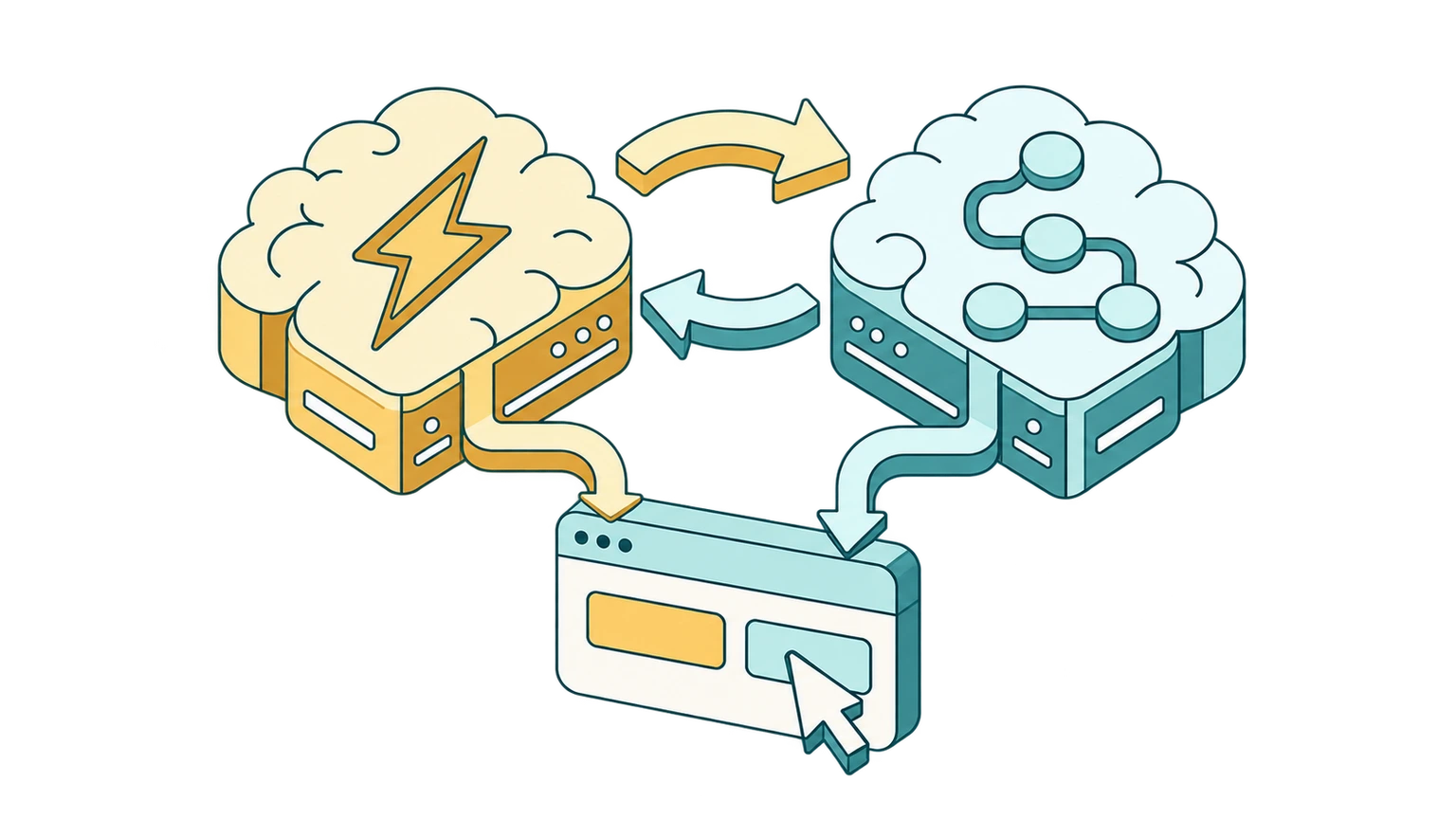
What Is an AI Decision Model? How Jev Makes Browser Automation 50x Cheaper
An AI decision model answers instead of writing text. Learn how System 1 vs System 2 thinking and models like Jev cut browser automation costs by up to 50x.
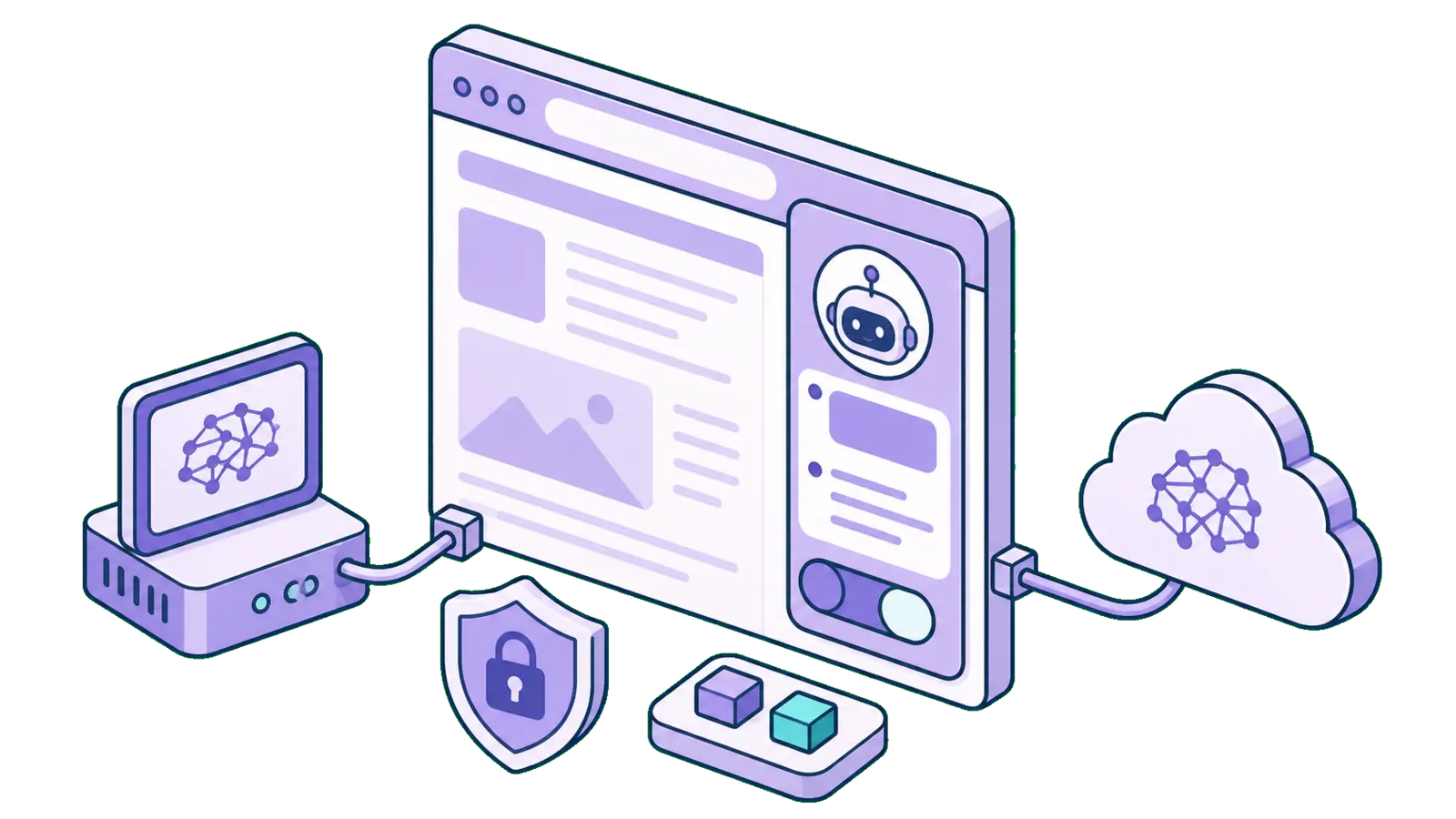
The Best Browser Extensions for Local AI Models in 2026 (Ollama, LM Studio & More)
The best browser extensions for running local AI models in 2026, from polished local+cloud sidebars to open-source Ollama tools. Chat with any page, privately.