
 Add to Chrome
SurfMind vs Sider: Choose Your Own AI Models Instead of a Fixed Menu
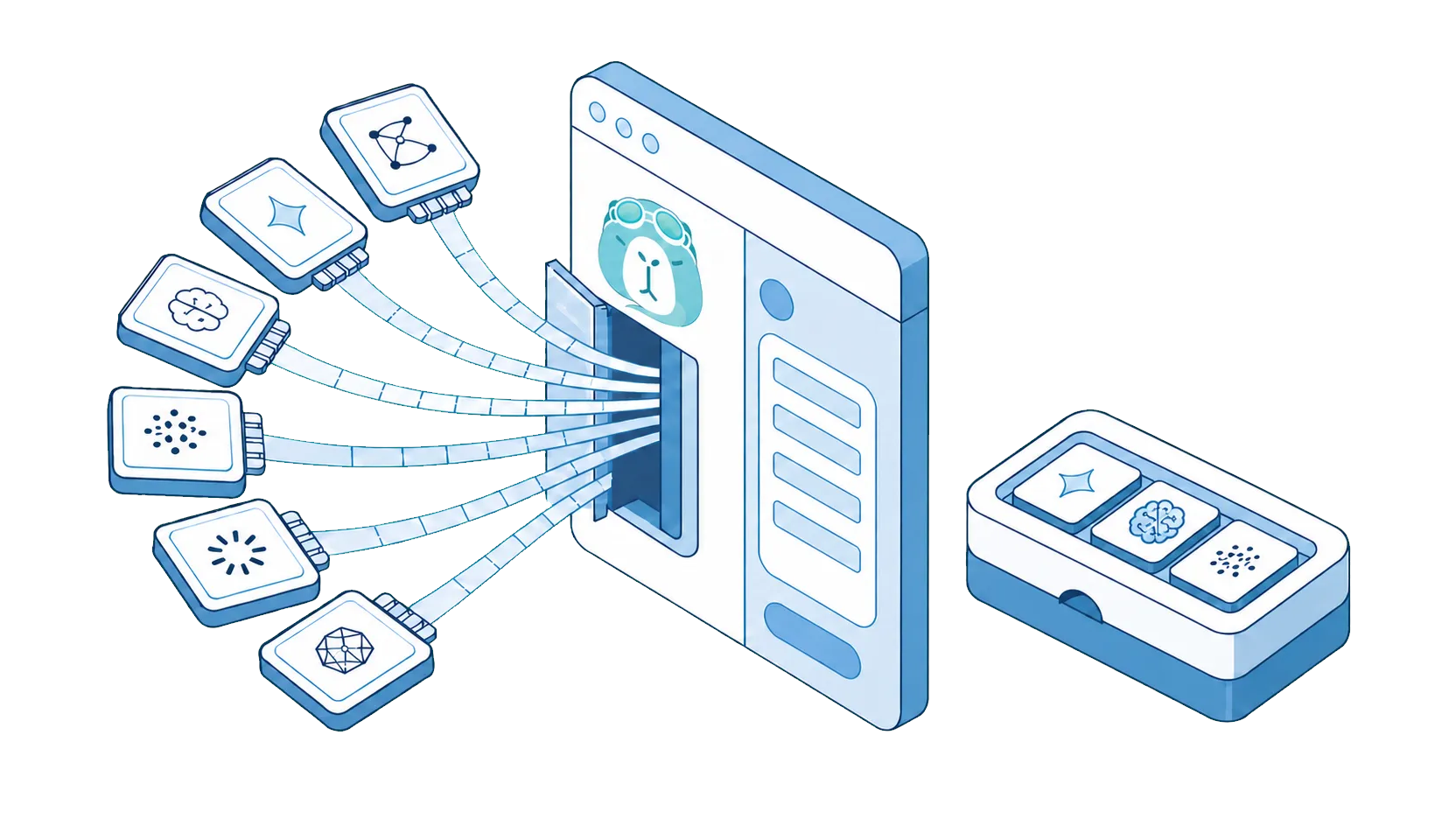
Model selection, customization, pricing, privacy, local AI support, and browser compatibility, compared in depth.
Sider and SurfMind are both AI sidebars that live next to every page you browse. Both summarize articles and videos, answer questions about the page you're reading, help you write, and offer access to frontier models like GPT, Claude, and Gemini. The real differences are in how each one approaches model selection, research, pricing, and control.
If you're searching for a Sider alternative that supports local models via Ollama, works with your own API keys, supports every browser, or skips the subscription entirely, that's exactly what SurfMind is: an AI sidebar built around choosing your own models and paying only for what you use.
Two different ideas of "research assistant"
This is the most useful lens for the whole comparison.
Sider is a managed research suite. Its flagship features do research for you: Deep Research generates multi-step, cited reports, and Wisebase stores what you collect while browsing in a knowledge base inside Sider. You work inside Sider's environment, with Sider's chosen models, on Sider's credit meter.
SurfMind is an interactive research assistant. You read the sources yourself and put the AI next to them: run one conversation that references several open tabs at once, compare sources, extract facts across sites, attach PDFs and images, then export the whole chat to Notion or Obsidian with one click. Your findings end up in the note system you already use, not inside the assistant.
Neither approach is wrong. If you want compiled reports delivered to you, Sider's Deep Research is a genuine differentiator. If your research style is reading, questioning, and keeping your own notes, SurfMind is built around exactly that loop.
Wisebase vs your own knowledge base
Where research lands matters as much as how it happens. Sider's Wisebase keeps collected material in Sider, which is convenient while you subscribe and limiting if you ever leave. SurfMind deliberately has no proprietary knowledge base: chats export to Notion and Obsidian, so your research compounds in tools that outlive any single subscription.
Credits vs pay-as-you-go
Sider sells subscription plans, listed from roughly $4 to $17 per month on annual billing on its pricing page, each with monthly pools of basic and advanced credits. Advanced models and Deep Research draw from the advanced pool, and the "Unlimited" tier applies to basic credits. The free tier provides a small daily credit allowance.
SurfMind has no subscription. You pay for the AI you actually use, at provider token rates plus a small transparent service margin, topped up a few dollars at a time. In practice:
- Light users often spend under $3 a month.
- $0 is a real option: use the free models on OpenRouter or run a local model, with no usage caps from us.
- Heavy users scale without monthly ceilings or credit pools to manage.
Image generation works the same way: SurfMind creates images with Flux, Nano Banana, GPT Image, and Seedream, billed per image.
The honest trade-off: a flat subscription can suit someone who runs Deep Research reports daily and wants one predictable bill. Pay-as-you-go suits everyone whose usage varies, which in our experience is most people.
Managed model menu vs provider freedom
Sider offers a curated menu of models (GPT, Claude, Gemini, Grok, DeepSeek and others) through its own cloud. Sider also lists an OpenAI-compatible API configuration among its settings; we could not confirm from official documentation which plans include it or what restrictions apply, so if bringing your own key to Sider matters to you, verify it in the product before subscribing.
SurfMind makes model freedom the default on every account, free ones included:
- 100+ top AI models available out of the box.
- Any OpenAI-compatible provider: OpenRouter, Groq, Together, or your company's internal gateway.
- Local models as first-class citizens, with dedicated support for Ollama and LM Studio. If you're specifically looking for a Sider alternative with Ollama support, this is the difference to test first.
- Your own API keys, usable on any account at no charge.
Because you select the provider, model, context settings, and API connection yourself, the whole routing setup is transparent: you always know exactly which model handled your request and what it cost. Advanced users get direct control over both cost and output quality instead of tuning usage around a credit system.
Privacy and local AI
Sider's features run through Sider's cloud, governed by its privacy policy. Sider does not advertise local model support.
SurfMind is privacy-first by architecture. With a local model, the page you're reading never leaves your machine. With your own key or SurfMind credits, conversations go to the provider you chose; SurfMind does not collect your browsing data to train on or resell. For client work, contracts, and internal tools, an AI sidebar with your own API key or a fully local model is a different risk category than a cloud-routed one.
Customization and browser coverage
SurfMind lets you edit the system prompt, build reusable skills for repeated tasks, and connect MCP servers using the open Model Context Protocol, so the assistant adapts to your workflow rather than the other way around.
On availability: Sider's extension covers Chrome, Edge, and Safari, plus its own desktop and mobile apps. It does not list Firefox support. SurfMind runs on Chrome, Edge, Safari, Firefox, and Chromium browsers such as Brave, Opera, and Arc, plus iPhone and iPad.
Side by side
Checked July 30, 2026 against each product's official pricing and documentation pages.
| SurfMind | Sider | |
|---|---|---|
| Research style | Interactive multi-tab chat, you keep the sources | Automated Deep Research reports |
| Knowledge base | Export to Notion / Obsidian | Wisebase (inside Sider) |
| Pricing | Pay-as-you-go, no subscription | $4-17/mo plans + credit pools |
| Free path | $0 with OpenRouter free models or a local model | Small daily credit allowance |
| Models | 100+ models, any custom provider | Curated menu via Sider's cloud |
| Bring your own API key | Yes, free on every account | Listed in settings; plan availability unconfirmed |
| Local models (Ollama / LM Studio) | Yes, dedicated support | Not advertised |
| Image generation | Pay-per-image (Flux, Nano Banana, GPT Image, Seedream) | Available, credit-metered |
| Custom system prompt, skills, MCP | Yes | Prompt tools; no MCP support listed |
| Browsers | Chrome, Edge, Safari, Firefox, Brave, Opera, Arc + iPhone/iPad | Chrome, Edge, Safari (no Firefox listed) |
Which should you choose?
Choose Sider if automated research reports are central to your work, you want a managed all-in-one research environment with a built-in knowledge base, and a subscription with credit pools fits how you budget.
Choose SurfMind if you want to pick your own models (including local ones), keep research notes in Notion or Obsidian rather than a vendor knowledge base, pay only for the AI you actually use, and use the same assistant in every browser you own, Firefox included.
Frequently asked questions
Is SurfMind really free with a local model or OpenRouter's free models? Yes. Local models, custom endpoints, and your own API keys cost nothing and have no usage caps from us. OpenRouter maintains a set of genuinely free models that work with SurfMind.
How much does SurfMind cost for typical usage? Most light-to-moderate users spend under $3 a month, because you pay actual provider token rates with a small transparent margin. Heavy usage simply scales with no monthly ceiling.
Can SurfMind generate images? Yes: Flux, Nano Banana, GPT Image, and Seedream, billed per image on the same pay-as-you-go principle.
Can I customize how SurfMind behaves? Yes. Edit the system prompt, create skills for repeated tasks, and connect MCP servers so the assistant works with your approved tools and data.
How does SurfMind compare to Monica, HARPA AI, and Perplexity? See SurfMind vs Monica, SurfMind vs HARPA AI, and SurfMind vs Perplexity.
Related posts
View all
The Best AI Browser Is the One You Already Use
Looking for the best AI browser? Dia, Comet, and the now-defunct ChatGPT Atlas want you to switch. Get tab chat, summaries, and an AI agent in your own browser.
The Best Browser Extensions for Local AI Models in 2026 (Ollama, LM Studio & More)
The best browser extensions for running local AI models in 2026, from polished local+cloud sidebars to open-source Ollama tools. Chat with any page, privately.
The Privacy-First Guide to Using AI Extensions in Your Browser
How to use AI browser extensions without sacrificing your privacy? Discover BYOK, local storage, and granular controls that protect your data.