
 Add to Chrome
SurfMind vs Perplexity: AI Answer Engine or Browser Assistant?
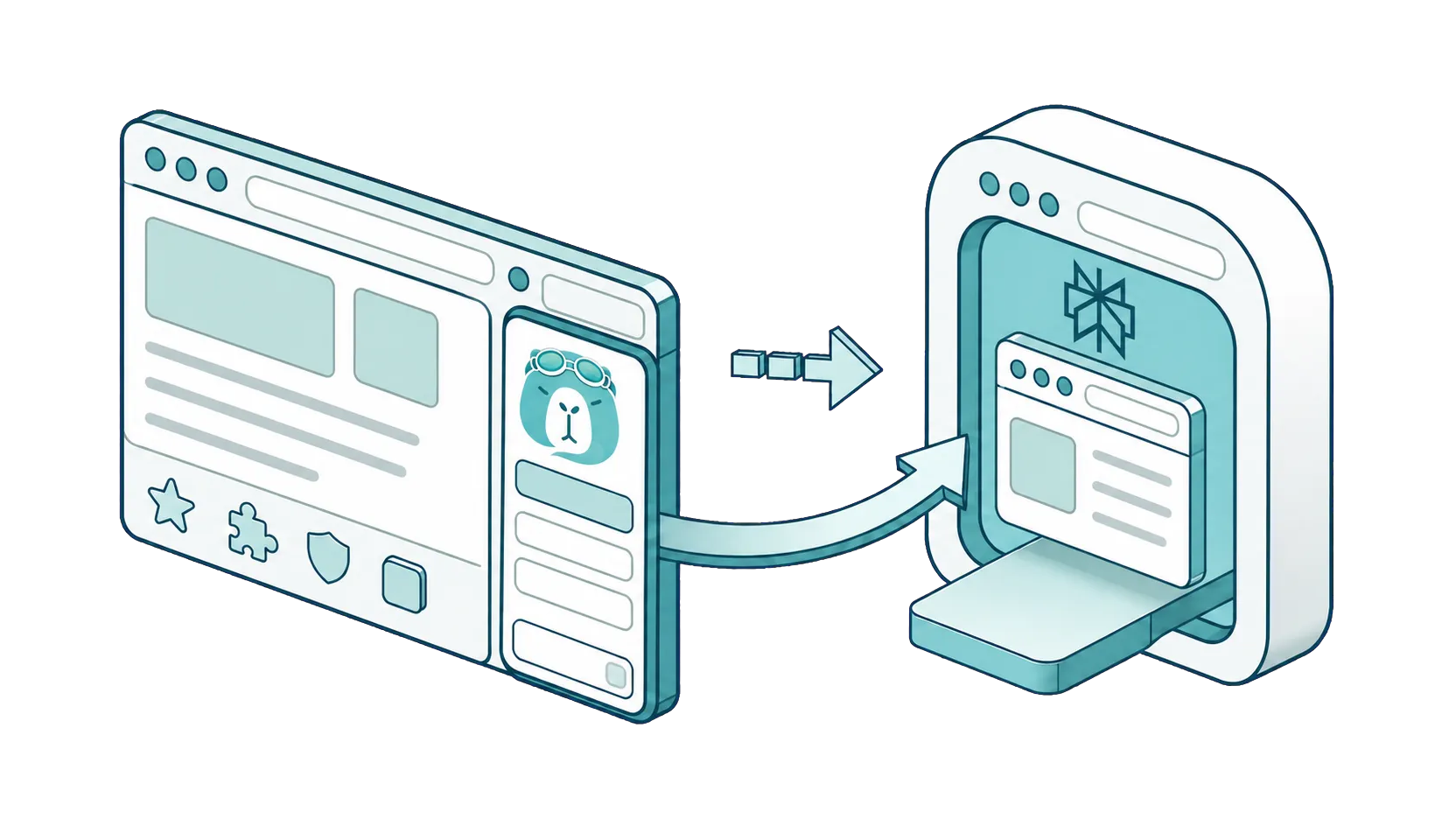
A standalone AI product with its own browser, or an AI assistant that joins the browser you already use.
Perplexity and SurfMind overlap more than most pairings in this space. Both answer questions, both search the web and check references, both help you research and write. The real difference isn't capability, it's form factor. Perplexity is a standalone product: its own web app, its own mobile apps, and its own browser, Comet. SurfMind is a browser extension: it works inside your favorite browser, alongside your existing workflow, with no migration required. That one difference drives almost every practical trade-off between them.
If you're searching for a Perplexity alternative that works inside Chrome, Safari, Edge, or Firefox, and supports local models or your own API keys, that's exactly what SurfMind is. Unlike both the Perplexity web app and the Comet browser, SurfMind brings the AI to your browser instead of asking your browsing to move to the AI's.
Their platform or your browser
Perplexity's strategic bet is to become the place you do AI-assisted work. You go to perplexity.ai, or open its app, or, increasingly, browse inside Comet, its own browser with agentic features attached to paid plans. The product is impressive, and adopting it fully means adopting its environment: a new browser, a new home for your browsing, your habits rebuilt around Perplexity.
SurfMind makes the opposite bet: the browser you already use is fine, and the AI should come to you. For anyone weighing Comet browser alternatives, this is the core question: do you want a new browser with AI built in, or AI built into the browser you already have? Install the extension in Chrome, Edge, Safari, Firefox, or any Chromium browser like Brave, Opera, or Arc, plus iPhone and iPad, and everything else stays put: your bookmarks, your password manager, your extensions, your muscle memory. Ask a question from anywhere, chat with the page you're on, search the web and check references, run one conversation across several tabs, attach PDFs and images, and export the result to Notion or Obsidian.
Same kinds of work. One asks you to move in; the other moves in with you.
Model choice: routed for you vs chosen by you
Perplexity selects and routes among frontier models for you. Its paid tiers list access to top models from OpenAI, Anthropic, and Google, tuned for its product. You get strong results without thinking about models, and correspondingly little control over which model handles a given request. Bringing your own API key or running a local model is not part of the consumer product.
SurfMind puts the model decision in your hands on every account:
- 100+ top AI models out of the box.
- Any OpenAI-compatible provider: OpenRouter, Groq, Together, or an internal gateway.
- Local models with dedicated Ollama and LM Studio support, so page content can stay on your machine.
- Your own API keys, free, on every account.
When you use your own key or endpoint, SurfMind sends requests to the provider you selected, so you always know which model ran and what it cost. Route a hard question to the strongest model of the moment and routine work to a cheap or free one; that control over cost and quality is the point.
Pricing: $20 a month vs pay for what you use
Perplexity's free tier covers basic searches with a daily cap on its enhanced "Pro" searches. The Pro plan is listed at $20 per month and Max at $200 per month on Perplexity's pricing page. That's a subscription priced for people who lean on it heavily every day.
SurfMind has no subscription. You pay provider token rates plus a small transparent margin:
- Light users often spend under $3 a month.
- $0 is a real option with OpenRouter's free models or a local model, with no caps from us.
- Heavy users scale with no monthly ceiling.
Image generation follows the same principle: Flux, Nano Banana, GPT Image, and Seedream, billed per image rather than bundled into a plan.
If you'd genuinely use $20 of AI every month, the subscription can be fair value. If your usage varies, pay-as-you-go means quiet months cost cents, not twenty dollars.
Privacy: a destination product vs a pass-through assistant
Perplexity is a cloud destination: your queries and, with Comet, your browsing environment run through Perplexity's infrastructure, governed by its privacy controls.
SurfMind is architected so the cloud is optional. With a local model, the page you're reading never leaves your machine. With your own key or SurfMind credits, conversations go directly to the provider you chose, and SurfMind does not collect browsing data to train on or resell. For client documents, internal tools, and anything sensitive, an assistant that can run fully local is a different category.
Customization
Perplexity offers spaces, saved threads, and search-focused settings within its product. SurfMind is customizable at the assistant level: edit the system prompt, build reusable skills for repeated tasks, and connect MCP servers through the open Model Context Protocol so the assistant works with the tools and data you approve.
Side by side
Checked July 30, 2026 against each product's official pricing and documentation pages.
| SurfMind | Perplexity | |
|---|---|---|
| Form factor | Extension in your existing browser | Standalone web app, mobile apps, Comet browser |
| Migration required | None, keeps your browser and workflow | New destination; Comet replaces your browser |
| Ask questions & search the web | Yes | Yes |
| Chat with the page / multiple tabs | Yes | Within its own environment |
| Models | 100+ models, any provider, chosen by you | Frontier models, routed by Perplexity |
| Bring your own API key | Yes, free on every account | No |
| Local models (Ollama / LM Studio) | Yes, dedicated support | No |
| Pricing | Pay-as-you-go, no subscription | Free tier; Pro $20/mo; Max $200/mo |
| Free path | $0 with OpenRouter free models or a local model | Limited daily Pro searches |
| Image generation | Pay-per-image (Flux, Nano Banana, GPT Image, Seedream) | Included in paid plans |
| Export to Notion / Obsidian | Yes | No |
| Customization | System prompt, skills, MCP connectors | Spaces and search settings |
| Browsers | Chrome, Edge, Safari, Firefox, Brave, Opera, Arc + iPhone/iPad | Its own apps and Comet |
Which should you choose?
Choose Perplexity when you want a dedicated AI destination, you're open to Comet as your browsing environment, and you use AI search heavily enough to justify $20 a month.
Choose SurfMind when you want the same capabilities inside the browser you already trust, with your choice of models including local ones and your own keys, usage-based costs instead of a subscription, and no migration of your workflow.
Frequently asked questions
Can SurfMind search the web and check references? Yes. SurfMind can answer questions with web search, work with the pages and references you have open across multiple tabs, and its browser agent can navigate on request. You don't need to start from a page.
Is SurfMind really free with a local model or my own key? Yes. Local models, custom endpoints, and your own API keys cost nothing and have no usage caps from us. OpenRouter's free models make a $0 setup possible without local hardware.
How much does SurfMind cost for typical usage? Most light-to-moderate users spend under $3 a month, paying actual provider token rates with a small transparent margin. There's no monthly ceiling for heavy use.
Can SurfMind generate images? Yes: Flux, Nano Banana, GPT Image, and Seedream, billed per image on the same pay-as-you-go principle.
Do I have to switch browsers to use SurfMind? No. SurfMind runs in Chrome, Edge, Safari, Firefox, and Chromium browsers like Brave, Opera, and Arc, plus iPhone and iPad.
How does SurfMind compare to Sider, Monica, and HARPA AI? See SurfMind vs Sider, SurfMind vs Monica, and SurfMind vs HARPA AI.
Related posts
View all
The Best AI Browser Is the One You Already Use
Looking for the best AI browser? Dia, Comet, and the now-defunct ChatGPT Atlas want you to switch. Get tab chat, summaries, and an AI agent in your own browser.
The Best Browser Extensions for Local AI Models in 2026 (Ollama, LM Studio & More)
The best browser extensions for running local AI models in 2026, from polished local+cloud sidebars to open-source Ollama tools. Chat with any page, privately.
The Privacy-First Guide to Using AI Extensions in Your Browser
How to use AI browser extensions without sacrificing your privacy? Discover BYOK, local storage, and granular controls that protect your data.